


For consultants, the best lead research software for consultants in 2026 should do more than supply names. It should help you find companies that fit your service, show why they might need it, and give you evidence to review before you make contact. Our best lead research software for independent consultants is designed around that work, with daily company research shaped by your offer, ideal client, market, and feedback.
Relevant research matters because a prospect list alone cannot make outreach useful. In a Gartner survey of 632 B2B buyers conducted in August and September 2024, 61% preferred a rep-free buying experience, and 73% said they actively avoided suppliers sending irrelevant outreach. Those findings make it worth comparing evidence and service fit, not just database size.
Which lead research tools fit consultants in 2026?
Start with the kind of research you need. ProspectDog is the clearest fit when you want a daily shortlist of companies connected to your consulting offer, with source information and a reason to review each opportunity. Other options focus on LinkedIn discussions, contact data, enrichment, or automated sales workflows. The table compares those approaches, rather than treating every prospecting platform as the same kind of tool.
| Rank and tool | Lead discovery | Research context | Workflow scope |
|---|---|---|---|
| 1. ProspectDog | Daily company research shaped by your service profile | Source information and potential service-fit reasons | Daily brief, up to 10 or 20 requested leads; $49 or $99 per month |
| 2. Signado | LinkedIn posts, comments, profiles, and keywords | Original post or comment, fit assessment, suggested next step | Drafts messages; plans start at $29 per month |
| 3. Doctor Lead | Lead discovery, imports, and campaign lists | Potential signals, conversation hooks, and objections | Drafts for approval, with CRM pipeline and reply tracking |
| 4. Flynt AI | Companies showing hiring activity | Hiring signal, company context, and scored match | Automated email and LinkedIn sequences |
| 5. Humen | B2B prospecting with AI-assisted research | Research linked to your pitch and value proposition | Personalized email writing at scale |
| 6. Apollo | B2B contact and company database | Prospect records, filters, and buying signals | Prospecting and outreach in one platform |
| 7. Clay | Multiple data providers and public web research | Custom enrichment and research workflows | Configurable processes connected to other tools |
| 8. ZoomInfo | B2B company and contact intelligence | Company data, intent, and sales signals | Sales, CRM, and data workflows |
| 9. Cognism | B2B contact data and prospecting | Phone-verified mobile data, with a European focus | Sales intelligence and data workflows |
| 10. Amplemarket | B2B prospect data and signals | Account research and activity signals | Prospecting with multichannel outreach |
What should you compare before choosing?
If you receive a list of names each morning, what would help you decide whom to contact? Look for source transparency: can you inspect where a suggested lead came from and why the company might need your service? Hiring or expansion can indicate an opening for a conversation, but neither proves that a company is shopping for a consultant.
Then assess service-fit research. A tool may supply accurate contact data without connecting a company’s situation to your particular offer. Another may surface a promising business signal but leave you to find and verify the right person. Decide whether you need company research, contact discovery, outreach preparation, or several of these jobs together. Gartner’s survey also points to the cost of irrelevant contact, so treat a suggested fit as a starting point for your judgment, not a reason to send an unreviewed message.
Consider how the output fits into your working day. McKinsey’s 2024 B2B Pulse research found that buyers used an average of 10 ways to interact with suppliers across their purchasing journey. That does not mean every independent consultant needs a multichannel sales stack. It does mean you should choose a workflow that supports the conversations you actually intend to have.
Finally, check lead allowances, billing terms, trial conditions, and the manual work that remains. A no-cost first look and a paid subscription are different things; so are a suggested email draft and an email sent automatically. If you are estimating your daily lead research software needs, base the number on how many prospects you can qualify and contact thoughtfully, not simply the largest allowance available.
Before selecting a tool, consider whether research supports a useful conversation or merely adds another fact to the prospect’s inbox. Harvard Business Review has likewise argued that B2B sales value is not just about telling buyers something new; it includes helping them make sense of what matters to their decision. That is a useful test for company context and outreach drafts alike. Read the sales analysis.
Best lead research software for consultants, ranked
1. ProspectDog
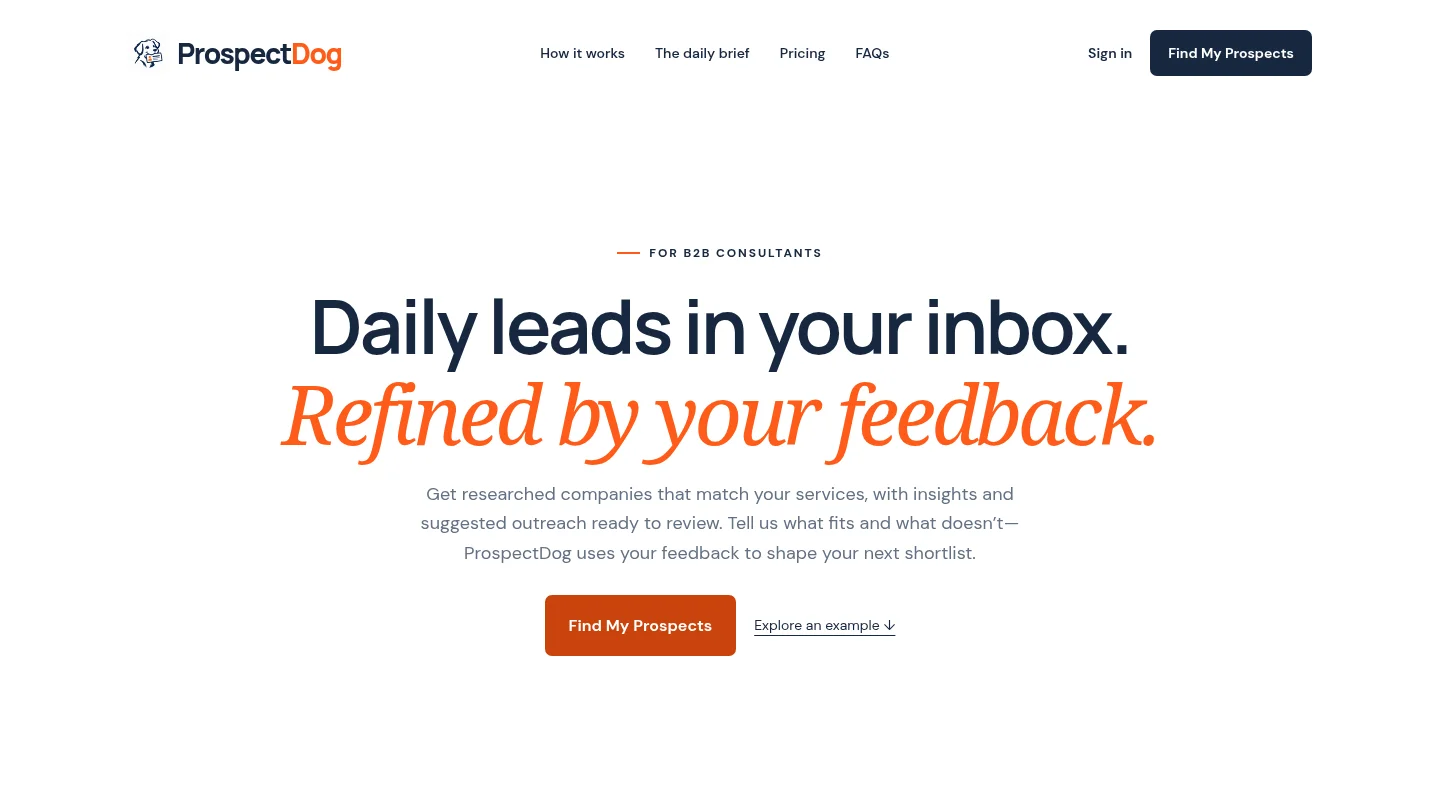
Best for: Independent B2B consultants who want a daily company shortlist tailored to their services, ideal client, and market.
Our daily brief connects researched companies with reasons they may need a consultant’s service, source information, and a suggested outreach draft with practical tips. You provide your expertise and ideal client, then give feedback about which results fit. That feedback shapes subsequent shortlists. Consultants focused on AI services can also compare lead research platforms for AI consultants when considering their research requirements.
Starter provides up to 10 requested leads in one daily brief for $49 per month. Pro provides up to 20 for $99 per month. You can receive one researched brief after signup without a card. Eligible accounts can start a seven-day trial with a payment method; the subscription renews monthly unless canceled before the trial ends. Requested lead allowances do not guarantee that every result will be returned as a relevant company.
Pros
- Research is shaped around a consultant’s service and ideal client, rather than only a generic contact search.
- Source information and a potential reason to reach out let you assess the fit before contacting a company.
- Drafts and feedback support a repeatable prospecting routine while leaving message review and sending to you.
Cons
- You still need to find or verify the right contact, personalize the draft, and send it yourself.
- Daily allowances count requested leads, so a brief may return fewer relevant companies.
2. Signado
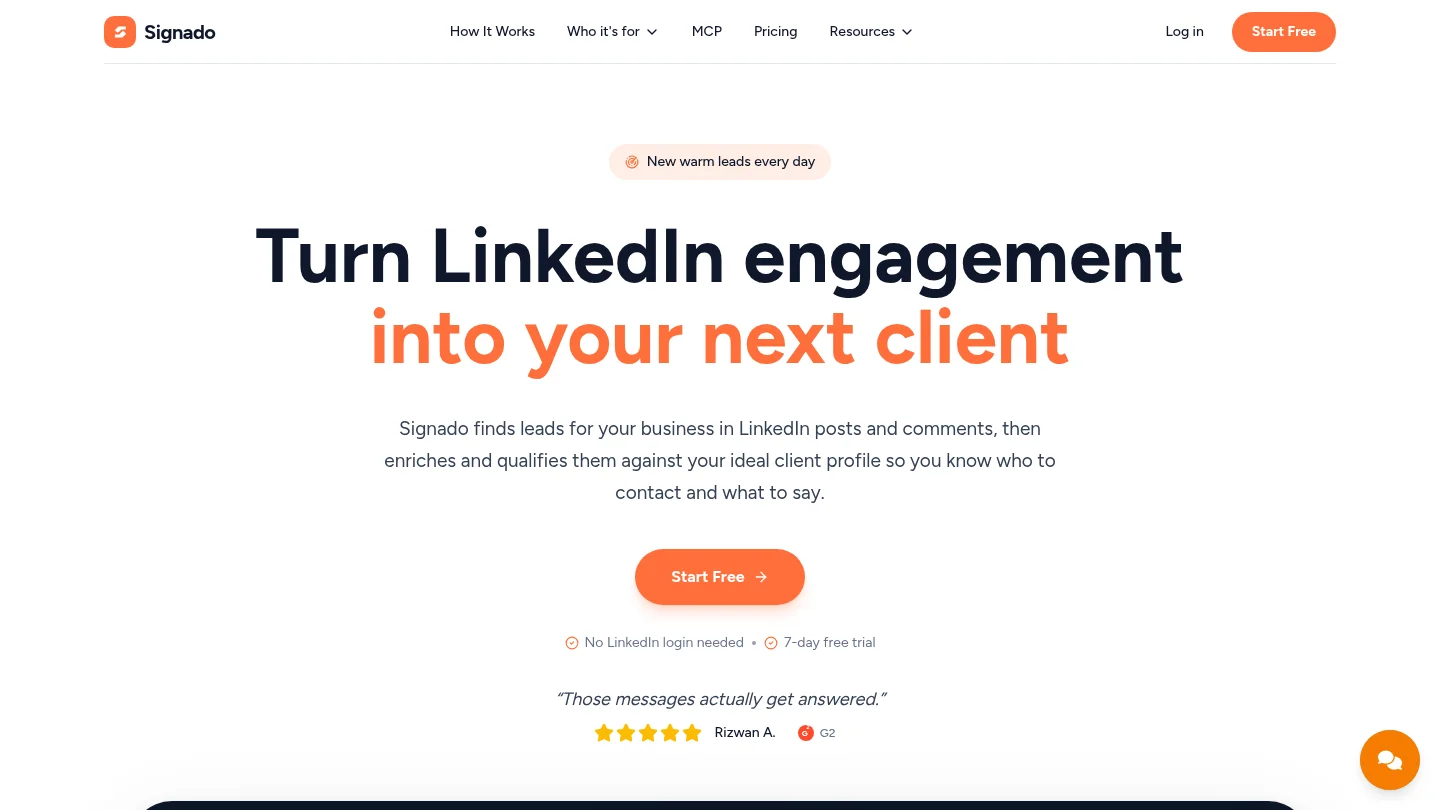
Best for: Consultants, agencies, and B2B teams that want to find prospects through relevant LinkedIn posts and comments.
Signado searches sources such as keywords, creator or competitor profiles, company pages, and posts. Its results connect a person and company with the LinkedIn activity that prompted the lead, then assess whether the prospect appears to fit. You can review a suggested next step, get an email, or draft a message referencing the person’s post or comment. This can be useful when a prospect has publicly raised a problem related to your services.
Plans start at $29 per month, and the product describes a seven-day trial that requires a card. Signado prepares messages but leaves the choice and sending to you. That is a different use from a service that supplies daily researched companies based on your consulting profile.
Pros
- Shows the post or comment behind a suggested lead, giving you a specific conversation starting point.
- Offers multiple discovery sources and lets you schedule or refine searches.
- Supports consultant and agency offers related to areas such as marketing, go-to-market, and AI services.
Cons
- Discovery depends on relevant prospects posting or engaging on LinkedIn.
- Credits are used for lead qualification and some additional research or drafting actions, so check the plan against your intended usage.
3. Doctor Lead
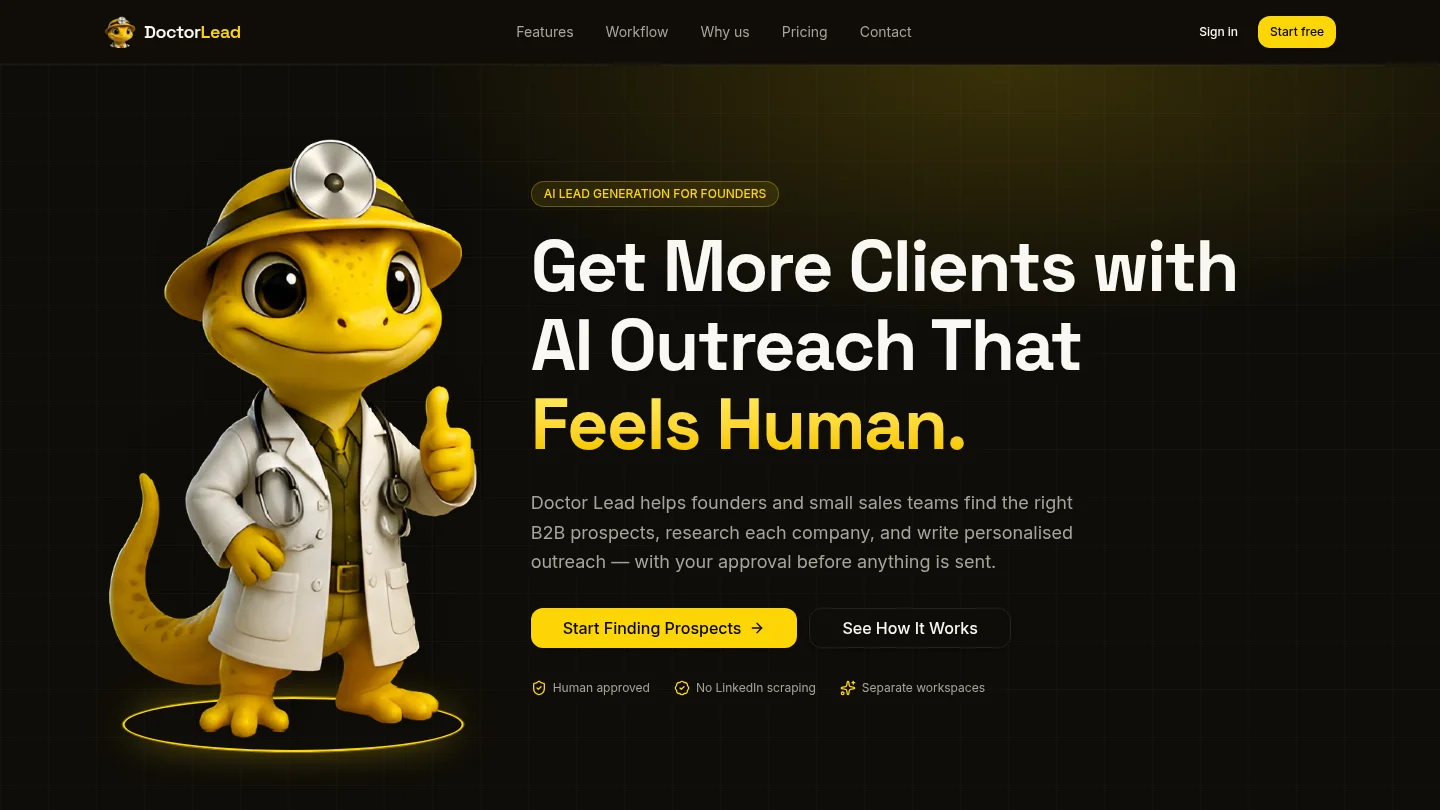
Best for: Founders and small sales teams that want researched prospects, tailored outreach drafts, and campaign tracking.
Doctor Lead lets you define an ideal client and research prospects for potential buying signals, conversation hooks, and objections. Its workflow supports lead discovery, imports, and filtering across campaigns. It also offers personalized outreach drafts for approval, with a CRM pipeline and reply tracking to follow prospect activity.
The product describes a 14-day free trial. Its approval step keeps a person in the loop before outreach goes forward. If your priority is a daily, consultant-profile-based brief with source information, compare that specific deliverable with the company research your process requires.
Pros
- Connects prospect research to outreach drafting and campaign organization.
- Provides human approval before an outreach draft is sent.
- Includes a visual pipeline and reply tracking for managing prospects.
Cons
- The approval workflow still requires you to review outreach rather than treating prospecting as fully hands-off.
- Its campaign and pipeline features may be more than you need if your main need is a concise daily research brief.
4. Flynt AI
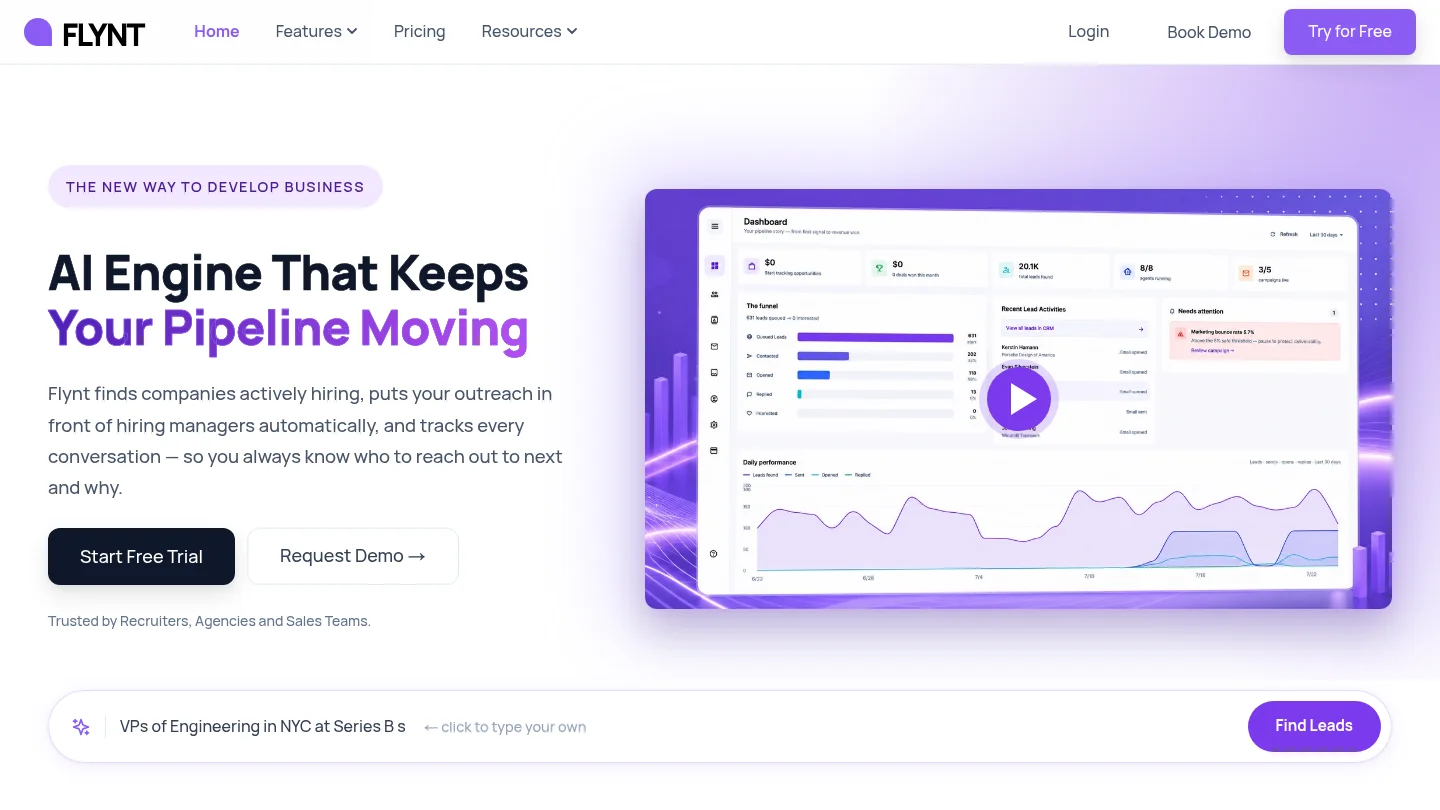
Best for: Recruiters and recruiting agencies seeking companies with active hiring signals.
Flynt describes a workflow that finds companies posting jobs, scores potential fit, and connects the signal to hiring-manager information and an outreach angle. Its product also supports email and LinkedIn sequences, conversation tracking, and a CRM-style pipeline. This makes hiring activity central to how it finds opportunities, which suits recruiting-focused business development.
That signal-first approach is useful if a company’s open roles relate directly to your service. For a consultant whose ideal clients are identified through other needs, such as operational change or marketing demand, hiring signals may be a narrower starting point than service-profile-based company research.
Pros
- Connects a hiring signal with company context and an outreach angle.
- Combines email and LinkedIn outreach workflows with conversation tracking.
- Specifically positions its product for recruiters and recruiting agencies.
Cons
- Its hiring-centered discovery is less directly aligned with consulting offers unrelated to recruitment.
- Automated outreach means you should review how its workflow fits your preferred level of message control.
5. Humen
Best for: B2B sellers looking for AI-assisted research that connects insights to their offer when drafting emails.
Humen describes research designed to connect each insight to the user’s pitch and value proposition, then use that context to write personalized emails at scale. This focus may help teams that already have a prospecting process and want assistance turning lead context into relevant messaging. It is a distinct emphasis from a daily research brief centered on potential client companies.
If your first priority is source-backed company discovery, assess whether the specific research output gives you enough evidence to qualify each account. If your main bottleneck is preparing individualized email copy, Humen’s stated focus is more directly relevant.
Pros
- Connects research insight with the user’s pitch and value proposition.
- Focuses on producing personalized email messages at scale.
Cons
- The described workflow emphasizes research-led email writing, so check whether it also meets your needs for daily lead discovery and evidence review.
6. Apollo
Best for: Consultants and sales teams that want contact and company prospecting alongside outreach tools.
Apollo combines prospect search, contact and company records, enrichment, and outreach workflows. Its official product information describes filters for building lists, regularly refreshed data, buying signals, and connections to external tools. It can be useful if you want to assemble a list and work it through a broader sales process rather than receive a consultant-focused shortlist.
With a database-led workflow, you define the ideal client criteria and decide whether a company’s circumstances connect to your service. Contact information should also be checked before use. That distinction matters if your main requirement is not just who to contact, but why the company may need your particular consulting expertise.
Pros
- Combines prospecting data and outreach features within one platform.
- Supports search filters, enrichment, and CRM connections.
- Can suit teams that manage repeatable, higher-volume outbound workflows.
Cons
- You need to define your filters and assess service fit, rather than relying only on the existence of a matching contact record.
- Verify important contact details and research before outreach.
7. Clay
Best for: RevOps teams and technically confident users building custom research and enrichment workflows.
Clay provides a flexible workspace for combining data providers, enriching records, and researching companies through custom workflows. Its platform information describes a marketplace with more than 200 data and AI vendors and workflows that can support research, scoring, and personalized outreach. This approach offers control over how information is collected and processed.
The trade-off is that you assemble and maintain the workflow yourself. If you want to start each day with a ready-to-review consultant shortlist, a configured research system may create more operational work than a purpose-built daily brief. If your firm has unusual data needs or technical support, that flexibility may be worth the setup.
Pros
- Can combine multiple providers and public web research in one configurable workflow.
- Supports custom enrichment, scoring, and outreach preparation.
- Useful when your team wants to control its own research logic.
Cons
- Workflow design and maintenance require time and operational ownership.
- Usage can draw on provider and platform credits, so estimate costs for your planned volume.
8. ZoomInfo
Best for: Larger sales organizations seeking broad B2B company data, contact intelligence, and account signals.
ZoomInfo combines company and contact information with sales intelligence, intent signals, and integrations for sales workflows. Its product materials describe tools for research, prioritization, and moving information into CRM and other systems. That breadth can serve teams managing many accounts and coordinated sales processes.
For an independent consultant, the decision is whether an enterprise-oriented data and workflow platform solves a real research bottleneck. Broad account intelligence is not the same as an explanation of why a specific business may need your consulting service. Compare the operational scope and usage model with the number of prospects you can personally qualify.
Pros
- Offers broad B2B company and contact intelligence with signals and workflow connections.
- Supports larger teams that need shared account research and sales processes.
Cons
- The wider sales and RevOps scope may be more than an individual consultant needs for a daily shortlist.
- Review its usage-based approach and available functions against your actual research volume.
9. Cognism
Best for: Teams prioritizing B2B contact data, particularly when prospecting in European markets.
Cognism is a sales intelligence and contact-data option known for phone-verified mobile numbers and a European market focus. Its product materials also describe company and contact prospecting, buying signals, and CRM workflows. It is relevant when finding and reaching the right person is a central part of your prospecting process.
Contact data answers who may work at a target company; it does not automatically establish why the company might need your service. If you are evaluating a consultant’s research workflow, check whether you also need company-level evidence, service-fit reasoning, or outreach preparation alongside contact discovery.
Pros
- Emphasizes phone-verified mobile data and European prospecting.
- Combines contact research with sales intelligence features and CRM workflows.
Cons
- Consultants seeking reasons a company may need their service should assess what additional company research their workflow requires.
- Its contact-data emphasis may call for a separate process for service-fit qualification and message preparation.
10. Amplemarket
Best for: B2B sales teams looking to connect prospecting signals with multichannel outreach.
Amplemarket brings prospect data, signals, research, and outreach into a sales workflow. Its product materials describe AI-supported research and multichannel engagement, including email and other sales channels. This can be useful for teams that want prospect discovery and campaign execution closely connected.
Consultants should compare this broader sales-engagement approach with the more focused task of identifying companies that may need a particular service. A connected outreach workflow can reduce tool switching, but it still needs suitable targeting and a clear process for reviewing the evidence behind each lead.
Pros
- Connects prospecting, research, and multichannel outreach in one sales workflow.
- Can suit sales teams seeking signals to guide their next outreach action.
Cons
- The broader sales-team workflow may require configuration to match an independent consultant’s offer and prospecting routine.
- Signal-led discovery still requires you to judge whether the evidence supports a useful conversation.
Which approach makes sense for your consulting practice?
Choose a database-led platform when you already know your target roles and need help finding or enriching contacts. Choose a workflow builder when your research process is unusual and you can invest time in configuring it. Choose signal-led tools when public activity, hiring, or other company changes give you a relevant reason to begin a conversation.
If you want your research to begin with your consulting service and target market, a daily company brief is a more direct fit. If you want to explore whether lead research software is worth it, compare the time saved on discovery with the work you still need to do: qualify the company, verify a contact, personalize your message, and decide whether to send it.
Conclusion: Choose research you can act on
The right lead research software for consultants should make it easier to identify relevant companies and explain why they might fit your services. Compare source evidence, service-profile matching, daily volume, workflow scope, and the manual work retained. For independent consultants who want researched companies with reasons and drafts to review, ProspectDog is the most directly aligned choice; broader databases and sales suites suit different needs.
Start with a researched daily brief
If your prospecting day begins with searching for companies and piecing together reasons to reach out, a focused brief can give that work a repeatable starting point. You provide your offer, expertise, ideal client, and market; then review the research and decide which companies deserve your attention.
Our first researched brief is free after signup, with no card required. For ongoing research and dashboard access, Starter is $49 per month for up to 10 requested leads in one daily brief, and Pro is $99 per month for up to 20. Each brief includes researched companies, potential service-fit reasons, source information, and suggested outreach. You review the evidence, verify the contact, personalize the message, and send it yourself. Get your first researched brief.
Frequently Asked Questions
What is lead research software for consultants?
It helps consultants find and assess potential B2B client companies. Depending on the tool, it may also provide source information, contact data, research signals, or suggested outreach.
Should I choose a contact database or a researched lead brief?
Choose a database when you mainly need to search for people or enrich contact records. Choose a researched brief when you want company context and a potential reason to consider contacting each prospect.
Does a research signal mean a company is ready to hire a consultant?
No. Hiring, expansion, and other signals can point to a possible service fit, but they do not prove buying intent. Review the evidence and qualify each company before contacting it.
Will lead research software verify contacts and send outreach for me?
Capabilities vary by product. With ProspectDog’s Starter and Pro plans, you review and personalize each draft, find or verify the right contact, and send the message using your own email account.
How much does ProspectDog cost?
ProspectDog offers one researched brief after signup without a card. Ongoing plans are Starter at $49 per month for up to 10 requested leads in one daily brief, or Pro at $99 per month for up to 20.