


Would you rather spend your Monday morning qualifying potential clients or piecing together a prospect list? We build daily research briefs for consultants who want a clearer reason to consider each company. For a related workflow, see our outreach preparation software for consultants.
The best lead research software for independent consultants in 2026 should connect your service and ideal client profile to companies worth reviewing, not simply return a large list. The U.S. Small Business Administration recommends assessing customers, demand, and market conditions as part of market research. That is a useful starting point for defining whom your prospecting tool should help you find. SBA market research guidance can help you frame that profile before comparing software.
Best lead research software for independent consultants in 2026
| Rank | Software | Research focus | Contact and outreach role | Access and pricing |
|---|---|---|---|---|
| 1 | ProspectDog | Companies matched to your service, ideal client, and market, with sources and reasons to review | Suggested drafts and tips; you verify contacts, personalize, and send | One free first brief; Starter $49/month, up to 10 requested leads daily; Pro $99/month, up to 20 |
| 2 | Signado | People found through relevant LinkedIn posts and comments, with fit checks and conversation context | Suggested messages; you choose how to contact people | Lite from $29/month; seven-day trial requires a card |
| 3 | Doctor Lead | Prospect research, potential buying signals, conversation hooks, and objections | Drafts require human approval; includes a prospect pipeline and reply tracking | Fourteen-day free trial; check current plan terms |
| 4 | Apollo | B2B contact and company data, with signals and prospecting tools | Combines prospecting, enrichment, and outreach workflows | Check current plans and usage limits |
| 5 | UpLead | Filtered B2B company and contact search, email verification, and intent data | Supports list building and CRM workflows | Check current plans and credits |
| 6 | Hunter | Company discovery and work email finding and verification | Includes email outreach sequences | Free plan includes 50 verified leads per month |
| 7 | Lusha | B2B contact and company data, with buying signals | Contact lookup and enrichment for prospecting workflows | Check current plans and limits |
| 8 | D&B Hoovers | Company intelligence, contact data, and business signals | Supports broader sales and revenue workflows | Free trial available; confirm terms with the provider |
How should you choose a lead research workflow?
Start with the step that costs you the most time. A company database can help when you need more accounts to consider. It may not tell you why a particular company could need your consulting service. A research brief can offer that context, but it does not remove your responsibility to assess fit and decide whom to contact.
Check whether the software supports your actual ideal client profile, including industry, company size, location, and signs of a relevant business need. For U.S. market context, the Census Bureau’s Census Business Builder offers business and demographic data. Those broad figures can inform research, but they do not identify specific companies ready to hire a consultant.
Compare the full workflow, not just the number of leads. Consider whether you need research and evidence, verified contact details, a CRM, or help preparing a first message. Estimate your daily workload against how much lead research software consultants need for daily prospecting. Then consider whether lead research software is worth it for consultants based on time saved and the review work that remains.
If you plan to send commercial email in the United States, remember that software does not remove the sender’s responsibilities. The Federal Trade Commission says the CAN-SPAM Act applies to commercial email, including business-to-business messages. Review the FTC’s CAN-SPAM guidance before building an email outreach process.
1. ProspectDog
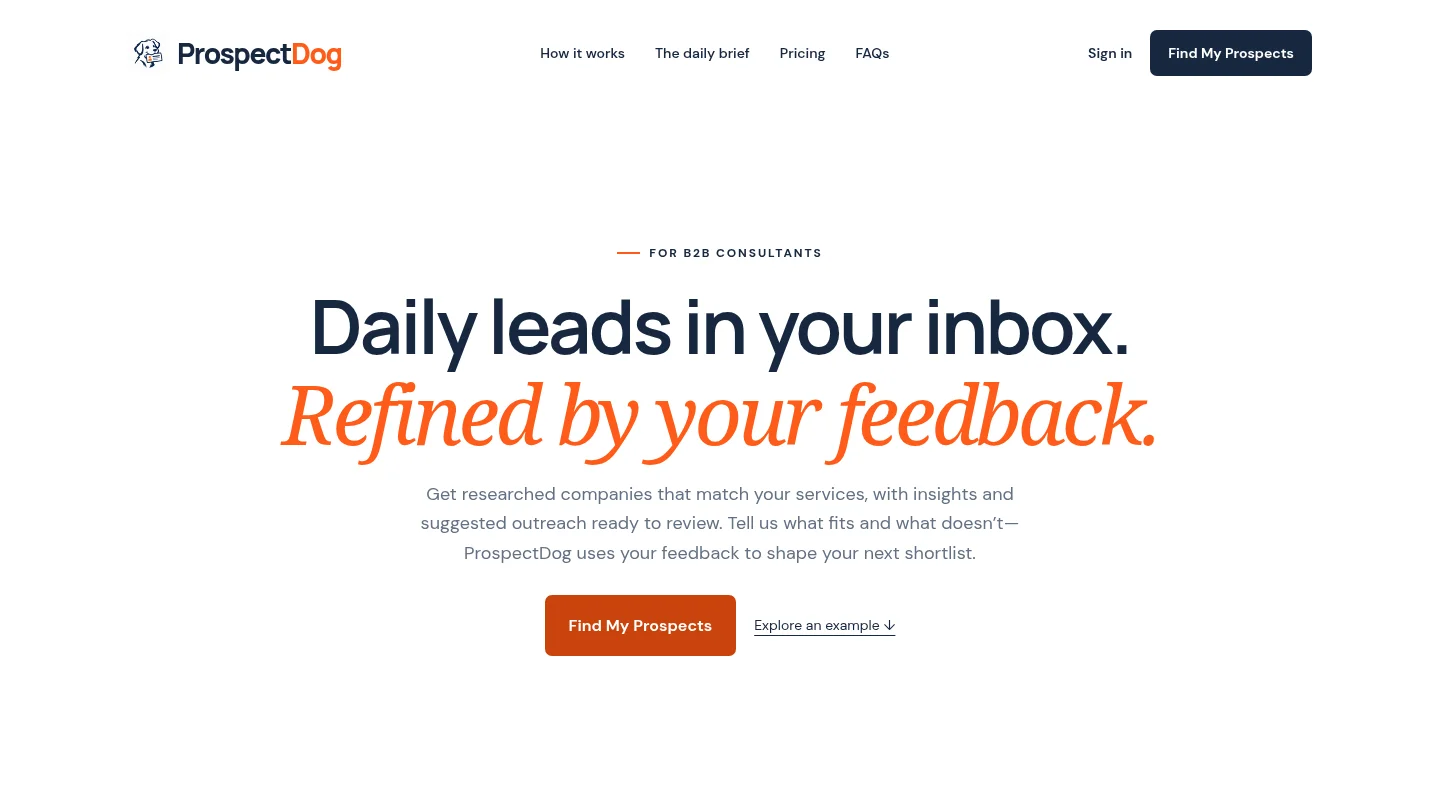
Best for: Independent B2B consultants who want researched companies matched to their service, ideal client, and market.
We provide a daily brief with researched companies, sources to review, and explanations of why each company may need your service. Briefs can include suggested subject lines, outreach drafts, and practical conversation tips. Your service, expertise, ideal client, market, and feedback help shape subsequent shortlists.
The brief arrives by email, and the dashboard provides access to preferences, leads, drafts, and history. You can receive a free first researched brief after signup without a card. Starter costs $49 per month for up to 10 requested leads in one daily brief. Pro costs $99 per month for up to 20. Eligible accounts may have a seven-day trial with a payment method, followed by monthly renewal unless canceled before the trial ends.
Pros
- Company research includes reviewable sources and a potential service-fit explanation, helping you judge why a prospect made the shortlist.
- Feedback about what fits and what does not can guide later shortlists, giving you a way to refine research around your offer.
- A free first brief lets you evaluate the workflow before choosing an ongoing plan.
Cons
- Signals suggest potential need, not verified buying intent or contacts. You must qualify companies and find or verify the right person.
- Starter and Pro provide drafts for you to review and send yourself. Daily allowances count requested results, so fewer relevant companies may be returned.
2. Signado
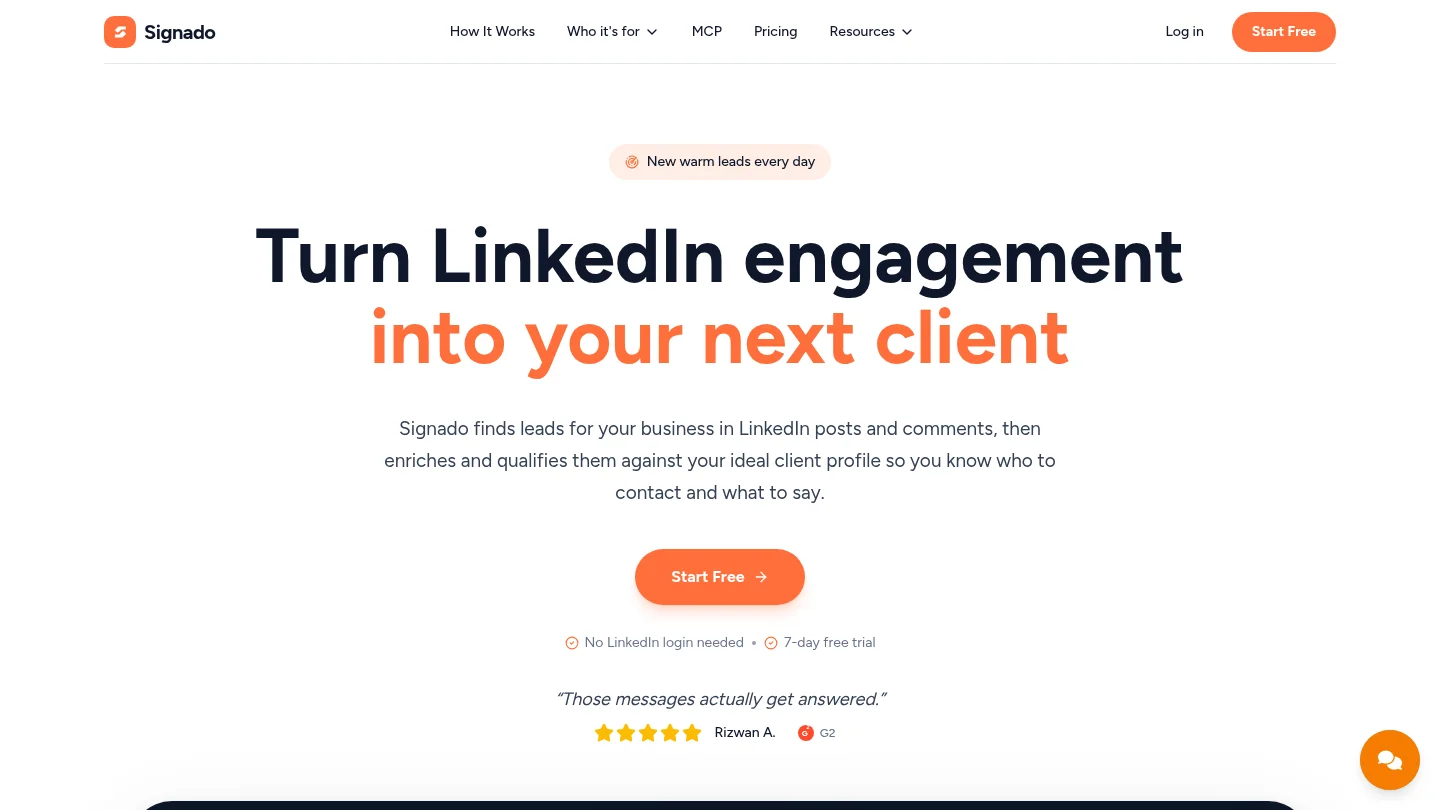
Best for: Consultants whose prospects are active in relevant LinkedIn conversations.
Signado looks for people posting or commenting around selected keywords, creators, competitors, or specific posts. It checks the person and company against your business, preserves the original conversation, and suggests a next move. This approach can be useful when the post or comment itself gives you a concrete reason to start a conversation.
Its Lite plan starts at $29 per month and includes 1,000 credits, enough for up to 200 leads when all credits go toward finding, enriching, qualifying, and scoring leads. The seven-day trial requires a card. Signado can draft messages, but you choose what to send and through which channel.
Pros
- Preserved post and comment context can help you assess why a person may be relevant before writing.
- Fit checks focus on both the person and the company, rather than relying only on contact details.
Cons
- It is best suited to LinkedIn conversation discovery, rather than serving as a broad replacement for every contact database.
- It does not send LinkedIn messages for you; you decide what to send.
3. Doctor Lead
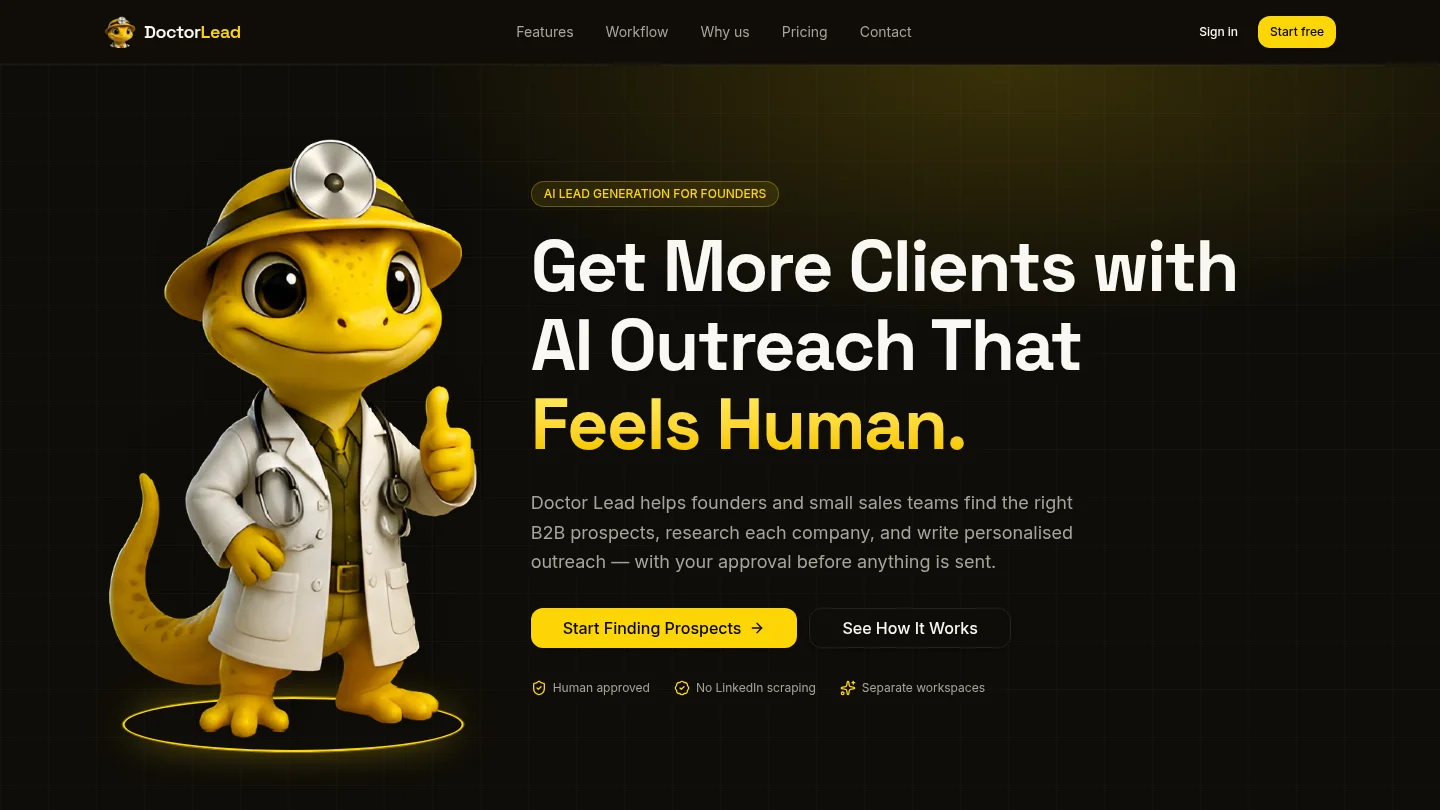
Best for: Independent consultants and small teams who want prospect research, outreach drafts, and pipeline tracking in one workflow.
Doctor Lead lets you define an ideal client profile, discover or import prospects, and review research about potential buying signals, conversation hooks, and objections. It can prepare personalized outreach and follow-up drafts for human approval, then help track prospects and replies in a visual pipeline. Its site describes a 14-day free trial and monthly plans with different prospect allowances.
This is a broader outreach workflow than a research-only brief. It may suit you if you also want campaign organization and reply tracking. Before subscribing, check the current plan details against the prospect volume and approval steps your practice needs.
Pros
- Combines research, suggested messages, human approval, and pipeline tracking in one prospecting process.
- Lets you organize prospects across campaigns and workspaces.
Cons
- Its wider workflow may be more than you need if your main requirement is a short, reviewable company research brief.
- Outreach drafts still need your review and approval before sending.
4. Apollo
Best for: Consultants who want to build contact lists and manage more of the outbound workflow in one platform.
Apollo combines B2B prospecting and contact data with enrichment and outreach capabilities. Its official materials describe company and contact records, buying signals, and integrations with other tools. That breadth can help when the bottleneck is assembling and activating a contact list, rather than assessing a small set of service-fit opportunities.
It is a general sales platform, so decide whether its research and workflow options match your solo practice before adopting a larger system. Check current plan limits and costs, and inspect sample records from your target market before relying on contact data.
Pros
- Combines prospecting, contact data, and outreach capabilities, which may reduce handoffs between separate tools.
- Useful when you want to search for contacts using defined company and role criteria.
Cons
- A database match does not automatically explain why a company may need your specific consulting service.
- The broader sales workflow may be unnecessary if you only need a focused daily shortlist.
5. UpLead
Best for: Consultants who already know their target account criteria and need a filtered source of B2B contact details.
UpLead focuses on company and contact search, with filters for building lists and tools for email verification. Its product information also describes company enrichment and intent data. This can be useful when the key question is who to contact at a company that already fits your target profile.
It is more of a contact-data resource than a consultant-specific research brief. You will still need to determine whether a company’s circumstances connect to your service, and decide how to approach it. Test relevant companies and roles in your market, then review current credit limits and plan terms before committing.
Pros
- Search filters and email verification can support targeted contact list building.
- Useful when you already have a clear profile and need contact details to complete your workflow.
Cons
- Contact data alone does not provide a complete explanation of why a company could benefit from your service.
- You remain responsible for assessing fit and preparing relevant outreach.
6. Hunter
Best for: Consultants who have identified suitable companies and need help finding and verifying work email addresses.
Hunter offers company discovery, domain search, email finding, and email verification. It also supports email outreach sequences. Its free plan includes 50 verified leads per month, which gives a consultant a way to try a limited workflow before considering paid access.
Hunter is a practical specialist when email lookup is the missing step. It is less suited to replacing research that connects a company’s situation to a consulting offer. Check the match and verification details for each address, and keep your own review process before sending.
Pros
- Combines email finding and verification with company discovery.
- A free plan provides a limited way to assess the email research workflow.
Cons
- An email finder does not determine whether a company is a good fit for your service.
- You still need to research context and personalize messages before contacting prospects.
7. Lusha
Best for: Consultants who need contact lookup and company data to support an existing prospecting process.
Lusha provides B2B contact and company data, including contact lookup, enrichment, and business signals. It can support a consultant who has identified target companies and wants to research the people connected to them. Its tools also include integrations and data access options for wider sales workflows.
Use it as a contact and intelligence layer, rather than assuming a contact record proves service fit or buying intent. Compare its current plan limits with your expected research volume, and verify that the available contact details suit your market.
Pros
- Contact lookup and enrichment can help fill gaps in a prospect record.
- Company data and business signals provide additional context for account research.
Cons
- Contact data does not replace your judgment about whether a company needs your service.
- Confirm current access limits and costs before selecting a plan.
8. D&B Hoovers
Best for: Consultants who need broader company intelligence and business signals for account research.
D&B Hoovers combines company intelligence, contact information, buying signals, and business insights. Its product information describes tools to prioritize accounts and support revenue workflows. This may suit consultants researching larger target markets or accounts where company context matters as much as identifying a contact.
It is a broader option than a focused solo-consultant prospecting brief. Consider whether your research volume justifies the extra depth, and confirm plan terms directly before choosing it. A free trial is available, giving you an opportunity to assess the information for your market.
Pros
- Company intelligence and business signals support deeper account research.
- Can fit workflows that require more than basic contact lookup.
Cons
- Its broad sales intelligence focus may exceed the needs of a consultant seeking a simple, recurring shortlist.
- Evaluate its current plan and access terms against your actual use case.
Choose research that supports your judgment
The right lead research software for consultants should match your target market, provide enough context to evaluate prospects, and fit the way you handle contact verification and outreach. If you want a daily, feedback-shaped company shortlist with sources and suggested drafts, start with ProspectDog. Choose a database or specialist tool when contact discovery, enrichment, or outreach execution is the step you need to improve.
Build a repeatable prospecting routine
When manual prospect research competes with client delivery, a focused daily brief can give your business development a clearer rhythm. Review the company, inspect its source, decide whether the signal connects to your consulting service, and retain control over the contact and message.
We tailor researched companies to your service, expertise, ideal client, and market, then include reasons to consider each prospect, source information, suggested drafts, and practical conversation tips. You can request your first free researched brief after signup without a card. For ongoing research, Starter is $49 per month for up to 10 requested leads in one daily brief, and Pro is $99 per month for up to 20. Eligible accounts may start a seven-day trial with a payment method. You review each lead, verify the right contact, personalize the message, and send it yourself.
Frequently Asked Questions
What should an independent consultant look for in lead research software?
Look for research that reflects your service, ideal client, and market, with evidence you can inspect. Also check whether the tool helps with contact details, outreach preparation, or only one of those steps.
Does lead research software verify that a company is ready to buy?
No, a company signal can suggest a potential need without confirming buying intent. Review the evidence and qualify the company before deciding whether to reach out.
Does ProspectDog verify contacts or send outreach?
No, you are responsible for finding or verifying the right contact, personalizing the draft, and sending your message. The research and suggested outreach are there for you to review.
Should I choose a research brief or a contact database?
Choose a research brief when you need context about why a company may fit your service. Choose a contact database when you already know which companies to target and need help finding people or contact details.
Can I try ProspectDog before choosing an ongoing plan?
Yes, we provide a free first researched brief after signup without a card. Ongoing research and dashboard access are available through Starter and Pro.