
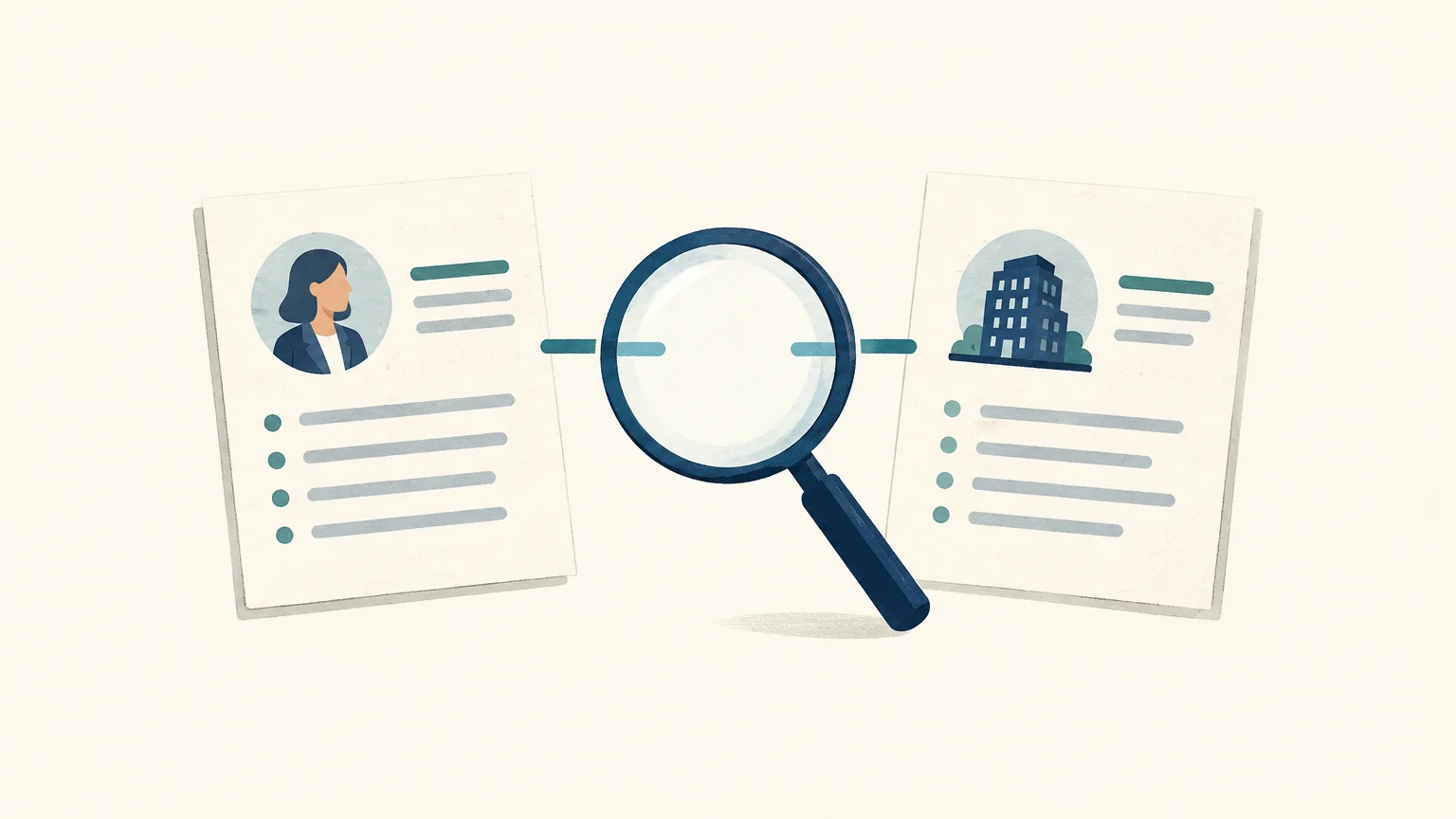

Does a consultant need another list of LinkedIn profiles, or a researched reason to contact a company? The answer depends on where your prospecting stalls. For B2B consultants, lead research software vs Sales Navigator is a choice between discovery and a wider research workflow, not a universal winner. Start with our best lead research software for B2B consultants comparison when company fit is the main bottleneck.
Sales Navigator centers on LinkedIn lead and account discovery; B2B lead research software can extend the process to company-fit evidence and outreach preparation. Some products only supply records, so assess capabilities individually. Our service focuses on researched companies, sources, fit explanations, and drafts, while you still qualify prospects and send messages.
What are you trying to find, a person or a company?

Sales Navigator organizes prospecting around leads and accounts on LinkedIn’s professional network. A 2023 North America Forrester impact study, commissioned by LinkedIn, describes research efficiencies associated with first-party professional data in interviewed organizations. Its enterprise context should not be treated as a result for independent consultants, but it clarifies the product’s focus on account and person discovery. Read Forrester’s impact study with that scope in mind.
Lead research software is a broad category, not a uniform set of features. Some tools focus on contact records; others research company events, surface evidence, or prepare an outreach draft. Check each product’s actual workflow instead of assuming the category includes verified contacts or message sending.
Our approach starts with the company and the consultant’s service. We research businesses that may fit, provide a source to review, explain the potential reason to reach out, and prepare a draft. For a broader look at the category, explore our lead research tools for consultants.
What evidence should a consultant see before making contact?
Imagine you advise ecommerce teams on automation and notice an online store hiring customer-support staff. That hiring signal could give you a relevant reason to investigate the business. It does not establish the company’s budget, buying intent, or readiness to speak with a consultant.
A 2026 science sales and marketing survey grouped 48% of tool recommendations under AI, while free-text responses also mentioned humanity and deeply personalized outreach. The results are sector-specific, not a universal benchmark, but they support a practical distinction: use automation to prepare context, then personalize the conversation yourself. See the 2026 survey report.
For consultants, useful company-fit evidence includes a source you can inspect and a clear explanation of how the signal relates to your service. Review whether the evidence is current and specific enough to justify a personal message. Then find or verify the right contact, tailor the draft, and decide whether to send it.
Our researched briefs include company information, potential service-fit reasons, suggested messages, and conversation tips. Contact details and buying intent are not verified, so you remain responsible for qualification and contact checks. If you encounter getsendable.io while comparing outreach vendors, assess that workflow separately from how a tool researches and qualifies prospects.
How much work and cost remain after discovery?
Finding a suitable profile is only one step. You still need to decide why the company might need your service, gather context, prepare an appropriate message, and follow your own outreach process. Before subscribing, confirm which steps the tool handles and which stay with you.
Our daily lead brief is designed for consultants who want company research and outreach preparation together. Each researched lead includes a source, a potential reason for contact, a suggested subject, a draft, and practical tips. Starter and Pro do not send prospect emails, replies, or follow-ups; you review, personalize, and send each message yourself.
For ongoing research in 2026, Starter costs $49 per month for up to 10 requested leads in one daily brief. Pro costs $99 per month for up to 20 requested leads in one daily brief. A first researched brief is free after signup without a card. Eligible accounts can start a seven-day trial with a payment method, and subscriptions renew monthly unless canceled before the trial ends. Daily allowances count requested results, so fewer relevant companies may be returned.
Compare the actual work saved, not just the number of search results. Our lead research software options for consultants can help you examine how different approaches fit your routine and service market.
How can you test which approach fits your practice?
A short pilot reveals whether a tool improves your specific prospecting routine. Compare a small sample of results against your ideal client profile, then review the source and the amount of manual work required before outreach.
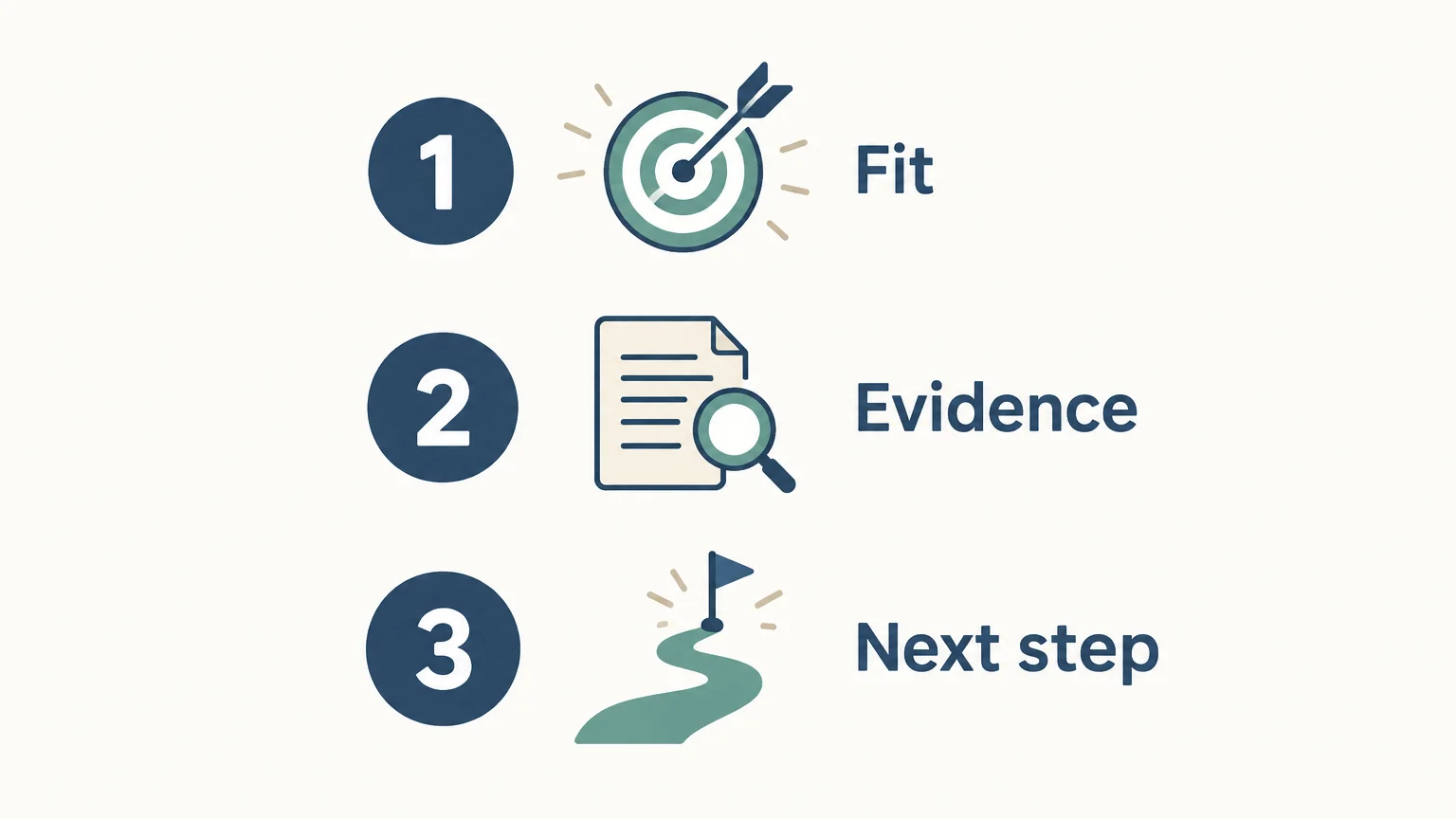
- Check fit: Do the companies match your ideal client and the market you serve?
- Check evidence: Can you inspect why each company might need your service?
- Check the next step: Is the contact verified, and does the tool prepare or send outreach?
A 2026 academic benchmark tested four people-search platforms across 119 queries, including B2B sales prospecting, and noted that no widely accepted benchmark exists. It did not compare Sales Navigator with ProspectDog, but it reinforces the value of inspecting real results rather than relying on a feature list. Review the 2026 benchmark paper.
Use the same service, ideal-client criteria, and sample size when you assess each option. Our guide on how to choose lead research software offers additional criteria for evaluating evidence, workflow, and fit.
Conclusion: match the tool to your prospecting bottleneck
Sales Navigator fits a workflow centered on finding and organizing people and accounts on LinkedIn. Research-led prospecting is a better fit when your main challenge is identifying relevant companies, understanding why they might need your service, and preparing a contextual first message. Compare evidence quality, manual work, and outreach responsibilities before choosing. Whatever you use, inspect the source and qualify each prospect before contact.
Turn company research into a repeatable routine
When your bottleneck is the time spent finding companies, reviewing why they might need your service, and preparing a relevant first message, choose a workflow built around research, not just profiles. Keep qualification, contact verification, personalization, and sending under your control. Measure evidence and work saved, not only the size of a search result.
With ProspectDog, you enter your service, expertise, ideal client, and market, then receive a researched daily brief with source information, potential fit reasons, suggested subject lines, drafts, and conversation tips. Your first researched brief is free after signup without a card. In 2026, Starter is $49 per month for up to 10 requested leads in one daily brief, and Pro is $99 per month for up to 20. Eligible accounts can start a seven-day trial with a payment method; subscriptions renew monthly unless canceled before the trial ends. You review and send messages yourself. Start with a free researched brief.
Frequently Asked Questions
Is lead research software always better than Sales Navigator?
No. The better fit depends on whether you need LinkedIn-focused lead and account discovery or researched company fit and outreach preparation. Compare the tasks you need to complete after a prospect is found.
Can Sales Navigator show whether a company needs my service?
It supports finding and organizing leads and accounts, but a profile match alone does not establish a company’s service need. Review relevant company evidence before deciding to reach out.
Does lead research software verify contact details?
Capabilities differ by product, so check the specific tool and plan. With ProspectDog, contact details and buying intent are not verified, and you must qualify prospects yourself.
Does ProspectDog send outreach messages?
No. Starter and Pro prepare drafts and tips for you to review, personalize, copy, and send through your own email account.
How should consultants compare the cost of prospecting tools?
Compare subscription terms alongside the research, evidence, and preparation included. Also count the manual work and any separate outreach tools your workflow requires.