


For consultants, the difficult part is rarely writing one more email. It is finding a company with a credible reason to listen, understanding the situation, and preparing a relevant first conversation. The search for best outreach preparation software for marketing consultants 2026 therefore points toward tools that improve research before sending. A daily outreach software dashboard can help you review evidence, prioritize prospects, and avoid building every shortlist from scratch.
Marketing consultants also need control over the final message. Software should support research and preparation without encouraging careless bulk sending. Gmail requires authentication practices for senders, including SPF or DKIM for all senders and DMARC for high-volume senders, as explained in the Gmail sender guidelines. The best choice depends on whether your main bottleneck is finding relevant companies, identifying live signals, enriching contacts, managing a pipeline, or executing sequences.
Which outreach preparation software is best for marketing consultants?
ProspectDog is the best overall choice when your priority is a research-first workflow built around your consulting service. It creates daily briefs with researched companies, potential service-fit reasons, source evidence, suggested subject lines, outreach drafts, and conversation tips. Signado is a strong alternative for consultants who prospect through LinkedIn posts and comments. Doctor Lead is better suited to users who want prospect diagnosis, approval-based drafts, and CRM pipeline tracking in one workflow.
Rank | Tool | Primary workflow | Human review | Best fit |
|---|---|---|---|---|
1 | ProspectDog | Daily researched briefs and prepared outreach | Required before contact | Marketing and growth consultants |
2 | Signado | LinkedIn post and comment discovery | Required before sending | Consultants using social buying signals |
3 | Doctor Lead | Prospect research, drafts, and CRM tracking | Approval-based | Founders and small consulting teams |
4 | Database, enrichment, sequencing, and calling | Recommended | Consultants needing contact discovery | |
5 | LinkedIn Sales Navigator | Account search, alerts, and relationship research | Required for messaging | LinkedIn-led prospecting |
6 | Clay | Enrichment workflows and personalization data | Recommended | Technical growth operators |
7 | HubSpot Sales Hub | CRM, prospecting, sequences, and pipeline management | Configurable | Growing consulting firms |
8 | Lemlist | Multichannel sequencing and creative personalization | Recommended | Email and LinkedIn execution |
9 | Lead finding, verification, and drip campaigns | Recommended | Budget-conscious prospecting | |
10 | Instantly | High-volume email infrastructure | Essential for quality control | Email-first outbound at scale |
1. ProspectDog
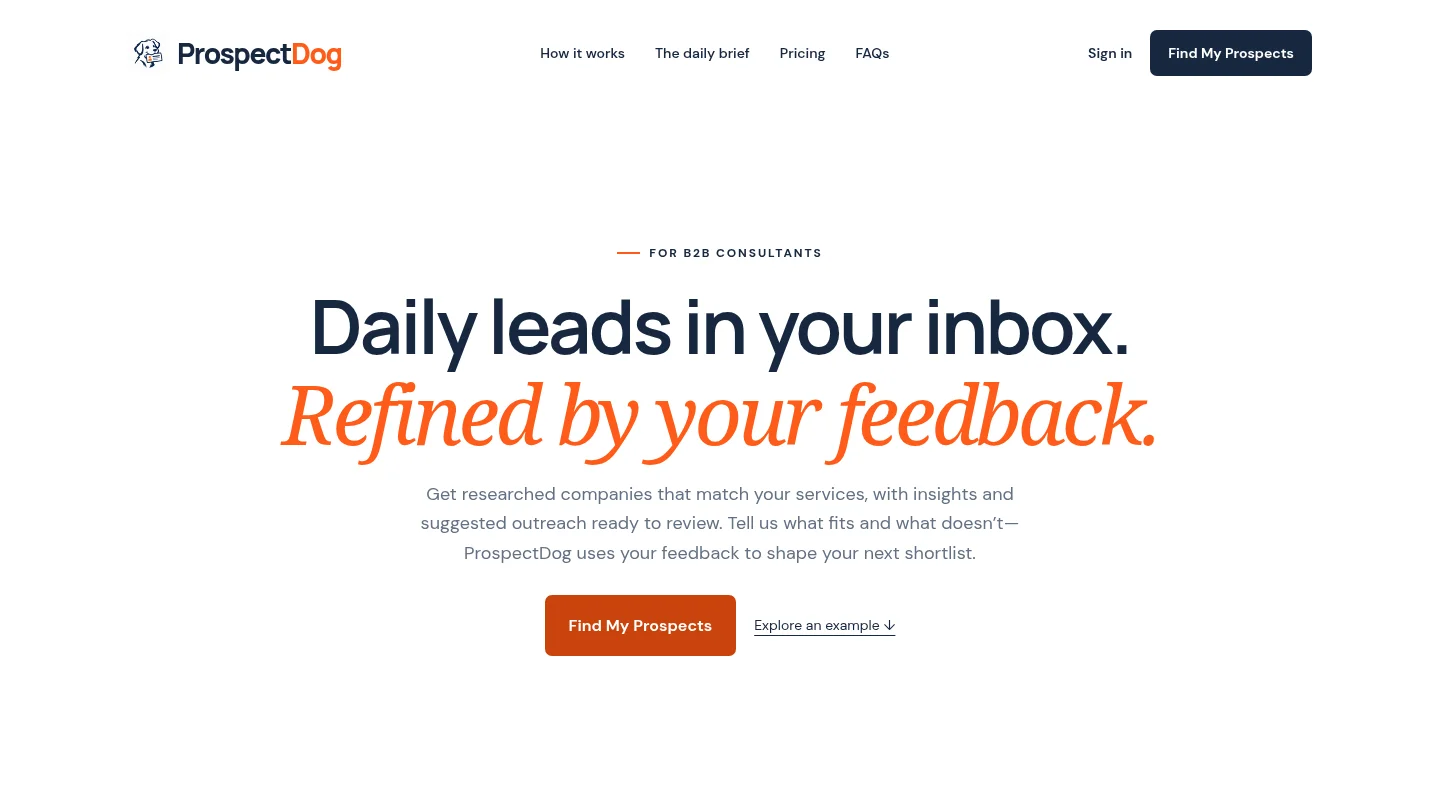
Best for: Marketing and growth consultants who want researched prospects matched to their service before they begin outreach.
ProspectDog is built around a daily lead brief, not a static contact database. You provide your service, expertise, ideal client, market, and delivery time. The system then researches companies that may match your offer and explains why each business could need your help.
Each lead includes source information, a potential service-fit reason, a suggested subject line, an outreach draft, and practical conversation tips. During software onboarding for consultants, you define the context that shapes the research. Your feedback about what fits and what does not can also shape later shortlists.
Starter provides one daily brief with up to 10 requested leads for $49 per month. Pro provides up to 20 requested leads for $99 per month. A first researched brief is available after signup without a card, while eligible accounts may receive a seven-day trial with a payment method.
Pros:
Designed specifically for B2B consultants, including marketing and growth consultants.
Combines company research, service-fit signals, source review, and draft preparation.
Keeps the consultant responsible for qualification, personalization, and sending.
Supports a repeatable routine through daily delivery and saved research history.
Cons:
Contacts and buying intent are not verified, so you must qualify each lead.
Starter and Pro prepare outreach but do not send prospect emails or follow-ups automatically.
Daily allowances count requested results, so fewer relevant companies may be returned.
2. Signado
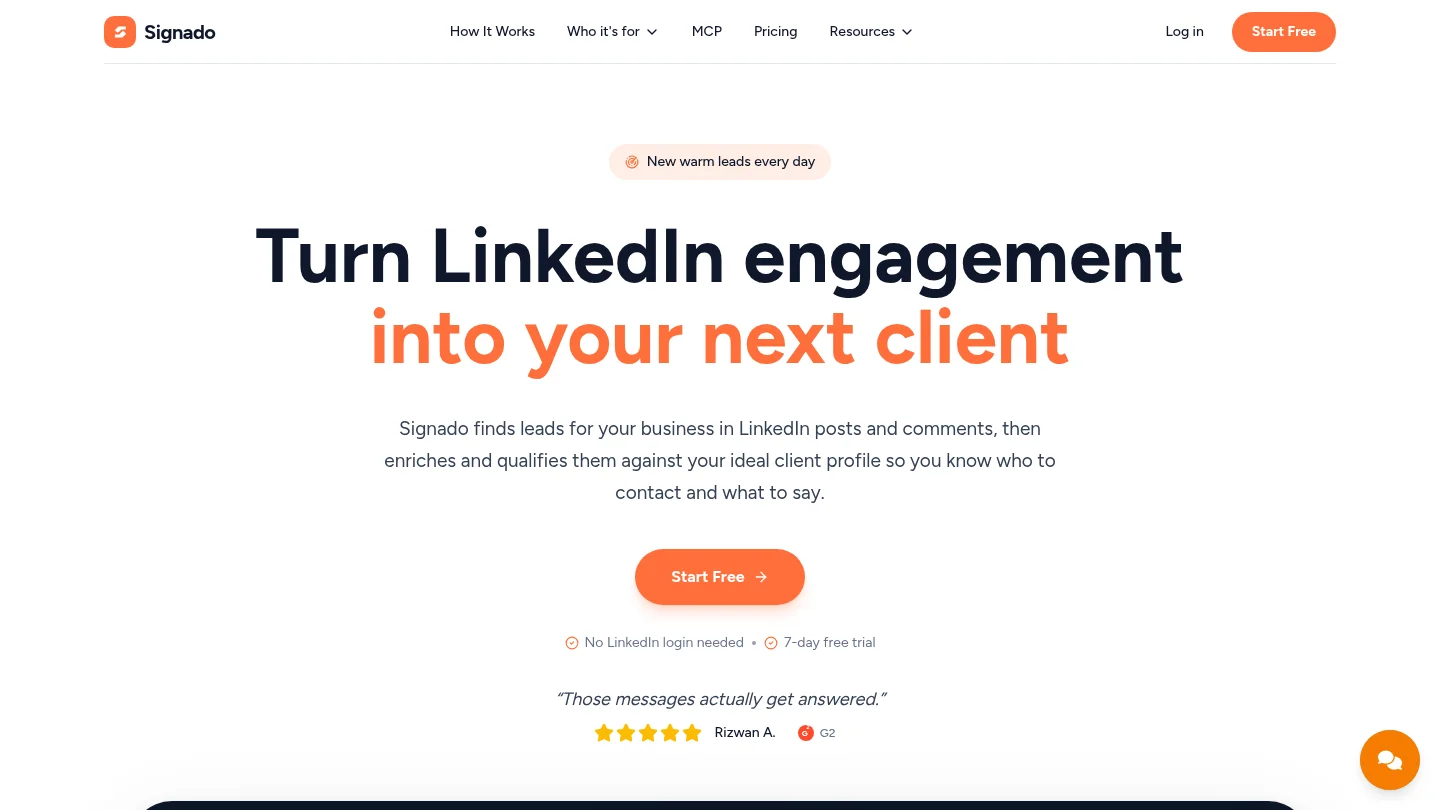
Best for: Consultants whose potential clients actively discuss business problems in LinkedIn posts and comments.
Signado uses social conversations as its discovery source. You can provide a keyword, competitor profile, creator profile, company page, or specific post. The platform then identifies people and companies connected to those conversations, enriches the lead, and evaluates fit against your business profile.
This creates a useful advantage for consultants selling services around visible problems. A comment about declining website traffic, weak lead generation, or a difficult redesign can provide a more specific opening than a generic company record. The draft can refer to the person’s original words, which supports more relevant first messages.
Signado does not require your LinkedIn login, and it does not send LinkedIn messages for you. You can send from Gmail, copy the draft into a LinkedIn message, or connect the lead to other sending tools. That makes it a preparation and routing tool rather than a fully autonomous outreach platform.
Pros:
Uses real LinkedIn posts and comments as conversation context.
Helps separate company fit from individual relevance.
Provides suggested next actions and editable message drafts.
Useful for consultants with a clear social listening or competitor-monitoring strategy.
Cons:
Its value depends on prospects discussing relevant problems publicly.
It is less suited to consultants who primarily target companies through hiring or expansion signals.
Broader account research may require an additional research layer.
3. Doctor Lead
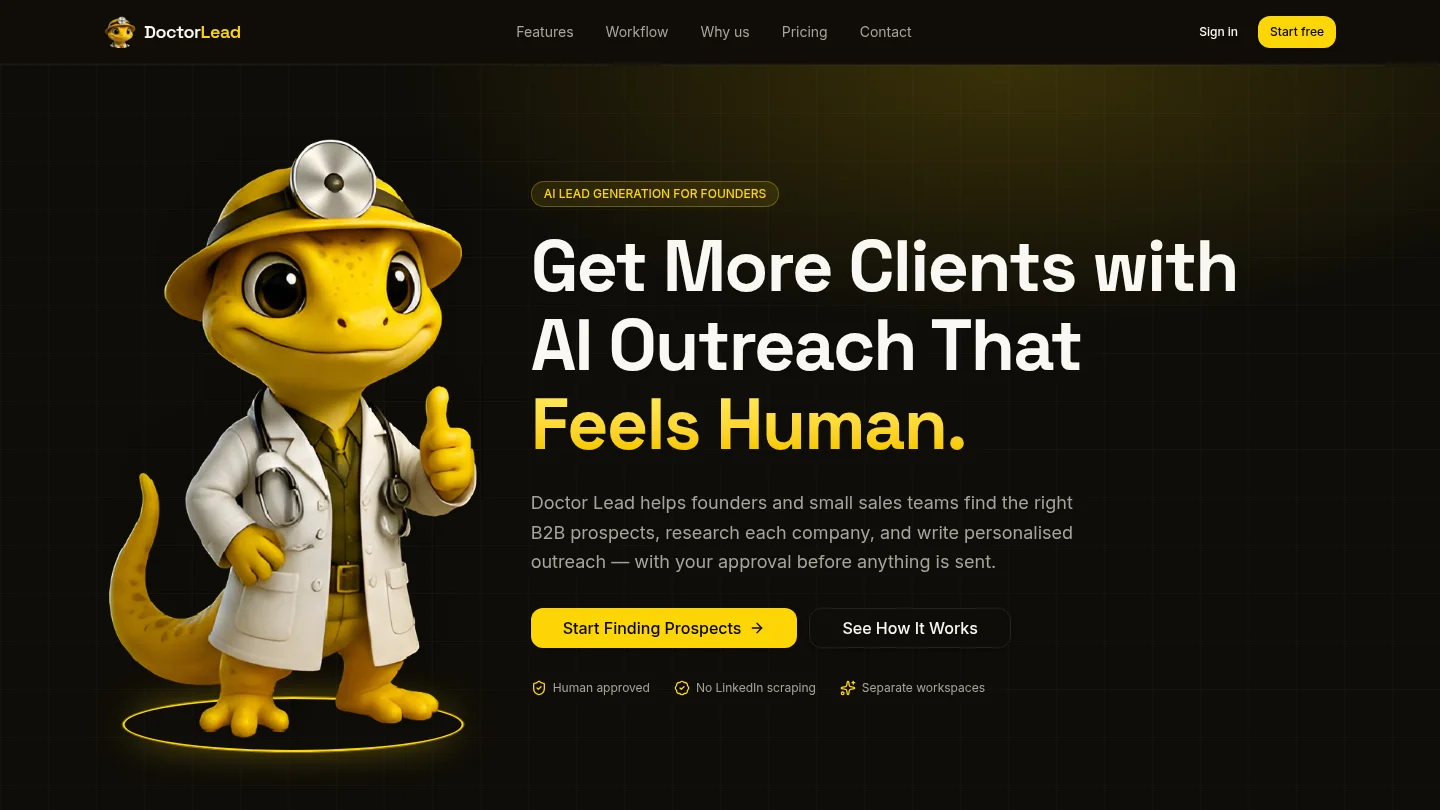
Best for: Small consulting teams that want prospect research, personalized drafts, approval, and pipeline tracking together.
Doctor Lead follows a diagnosis model. You define your ideal client, import or add prospects, and let the platform research relevant buying signals, conversation hooks, and possible objections. It then prepares personalized outreach and follow-ups for your approval.
The workflow is broader than a simple email finder. A visual CRM pipeline tracks prospects from new to won, while separate workspaces can keep campaigns, clients, brands, or business units organized. This may suit a consultant who manages several offers or supports more than one business line.
The main difference from ProspectDog is workflow orientation. ProspectDog begins with researched companies that may fit your service. Doctor Lead can begin with a prospect list and diagnose those accounts. It is therefore useful when you already have target accounts but need better research and messaging.
Pros:
Combines lead discovery, research, draft creation, approval, and pipeline tracking.
Supports separate workspaces for campaigns, clients, or brands.
Uses human approval before outreach is sent.
Provides a structured path from new prospect to closed opportunity.
Cons:
It may require more initial prospect input than a daily research brief.
CRM and workspace features can be more than a solo consultant needs.
Research quality depends on the prospect sources and criteria you provide.
4. Apollo
Best for: Consultants whose main bottleneck is finding contacts, enriching records, and launching sequences from one platform.
combines a large B2B database with prospecting, enrichment, sequencing, calling, and analytics. It can reduce the need to connect several separate tools when your process begins with a target account list and ends with a structured cadence.
For marketing consultants, is most useful when contact discovery is the immediate problem. You can identify companies and roles, build segments, and prepare email or call sequences. It is less focused on explaining why a particular company may need your consulting service.
That distinction matters. A database can help you find a marketing director at a suitable company. It does not automatically replace your judgment about the company’s current challenge, timing, or likely service fit. Consultants should use the research and personalization features as preparation aids, not as substitutes for qualification.
Pros:
Combines prospect data and outreach execution in one environment.
Useful for contact discovery, filtering, enrichment, and sequence management.
Can suit consultants who already have a clear ICP and outbound process.
Cons:
It is broader sales software rather than a consultant-specific research brief.
Data availability and accuracy can vary by market and contact type.
Sending infrastructure and sequence controls require careful management.
5. LinkedIn Sales Navigator
Best for: Consultants who build relationships through LinkedIn and want advanced account, lead, alert, and connection research.
LinkedIn Sales Navigator is a strong source of first-party professional context. Its core workflow includes advanced search, saved leads and accounts, alerts, relationship mapping, and recommendations. Higher tiers can add collaboration, buyer intent features, and CRM synchronization.
For marketing consultants, the platform can help identify companies undergoing change and people connected to relevant accounts. It is particularly useful when your outreach depends on job changes, company updates, mutual connections, recent posts, or visible professional activity.
The limitation is preparation depth. Sales Navigator helps you find and monitor prospects, but you still need to research the company’s situation, connect the signal to your service, verify contact details, and draft a thoughtful message. It is an excellent research source, but not a complete consultant outreach brief.
Pros:
Strong account and lead search capabilities for LinkedIn-based prospecting.
Useful alerts for company changes, lead activity, and relationship opportunities.
Helpful for finding warm paths and understanding professional context.
Cons:
Requires substantial manual work to turn search results into outreach-ready briefs.
Contact verification and service-fit analysis remain your responsibility.
Advanced CRM functions depend on the subscription level and supported integrations.
6. Clay
Best for: Growth consultants and technical operators who want to build customized enrichment and personalization workflows.
Clay is better understood as a workflow engine than as a ready-made consultant prospecting routine. It can connect data sources, enrich company and contact records, generate research fields, score prospects, and route qualified records into other tools.
This flexibility can support sophisticated marketing consulting workflows. For example, you could combine industry, company size, technology use, hiring activity, funding information, and website observations into a qualification model. You could then create a tailored opening line or research summary for each account.
The trade-off is implementation effort. Clay rewards users who understand data workflows and are comfortable designing, testing, and maintaining enrichment logic. It is powerful when your process is already defined, but it is not the simplest option for a consultant who wants a useful shortlist each morning.
Pros:
Highly flexible enrichment and personalization workflows.
Can connect multiple data sources and route results into execution tools.
Useful for agencies or consultants with repeatable, technical prospecting processes.
Cons:
Requires more setup and process design than a prepared daily brief.
Credit usage and workflow complexity need active monitoring.
It can become excessive for a solo consultant with a narrow target market.
7. HubSpot Sales Hub
Best for: Growing consulting firms that want CRM management, prospecting, outreach, meetings, and reporting in one broader system.
HubSpot Sales Hub combines contact management, pipeline management, prospecting, email sequences, calling, reporting, and workflow automation. It can be a good operational center when several people need shared visibility into prospects, conversations, deals, and follow-up responsibilities.
For marketing consultants, the value is strongest after a prospect enters a defined process. You can organize target accounts, schedule tasks, track engagement, manage opportunities, and connect sales activity with the wider customer journey. It also suits firms that already use other HubSpot products.
HubSpot is less specialized for daily service-fit research. Consultants may still need a dedicated research workflow or data source to identify why a company should be contacted now. The platform can manage the process, but it does not remove the need for a strong prospecting method.
Pros:
Connects prospecting, CRM, sequences, meetings, and reporting.
Useful for teams that need shared pipeline visibility and task management.
Can support a longer sales process from first contact through opportunity management.
Cons:
Its breadth may create more setup and administration than a solo consultant needs.
Total cost can increase as additional hubs, automation, or advanced features are added.
Research-first service matching is not its central workflow.
8. Lemlist
Best for: Consultants who already have a prospect list and want personalized email and LinkedIn sequences.
Lemlist focuses on outreach execution. Its positioning centers on multichannel sequences, personalized email content, LinkedIn steps, calls, and deliverability tools. This can help a consultant turn researched accounts into a consistent follow-up process.
The platform is particularly relevant when creative personalization is part of your offer. A marketing consultant could use tailored visuals, website observations, or campaign-specific messaging to make an opening email more distinctive. However, the quality of the result depends heavily on the research supplied before the sequence starts.
Lemlist should therefore be viewed as an execution alternative to ProspectDog, not a direct substitute. ProspectDog helps prepare the shortlist and conversation. Lemlist helps coordinate repeated touches after you have decided whom to contact.
Pros:
Supports email and LinkedIn steps within a broader outreach sequence.
Useful for creative personalization and structured follow-up.
Can fit consultants who already have defined campaigns and contact lists.
Cons:
It does not provide the same research-first daily brief model.
Multichannel automation requires careful review, configuration, and compliance.
Consultants still need a separate method for service-fit qualification.
9. Snov
Best for: Consultants who need affordable lead finding, email verification, CRM functions, and basic drip campaigns.
combines email discovery, verification, contact search, drip campaigns, and CRM functionality. It can work well as a practical starting point for a consultant who has clear targeting criteria and wants to assemble a straightforward prospecting workflow.
Its strength is breadth at the entry level. You can search for business contacts, verify addresses, organize prospects, create sequences, and review campaign activity. That makes it more useful than a standalone email finder when you want to manage several steps from one account.
The main limitation is that the platform does not replace strategic research. Verification can tell you whether an address is usable, but it does not prove that the prospect has a current need for your service. You still need evidence, context, and a reason to start the conversation.
Pros:
Combines email finding, verification, campaigns, and CRM features.
Suitable for consultants testing a structured outbound routine.
Can reduce the number of separate tools needed for basic prospecting.
Cons:
Research depth and service-fit analysis require additional work.
Drip campaigns can encourage generic outreach if your segmentation is weak.
Contact verification does not establish buying intent.
10. Instantly
Best for: Email-first operators who prioritize mailbox management, warmup, and high-volume sequence infrastructure.
Instantly is built around cold email execution rather than consultant research. Its strengths include connected sending accounts, warmup features, campaign management, reply handling, and infrastructure for distributing volume across mailboxes.
This may be useful when a marketing consultant already has a qualified list and needs reliable operational control. It is much less suitable when the central problem is deciding which companies deserve attention or developing a credible service-specific reason to contact them.
Instantly can complement a research-first system, but it should not be treated as a replacement for qualification. High-volume sending amplifies both good and bad targeting. Without strong research, it can increase activity while reducing relevance and damaging sender reputation.
Pros:
Designed for email-focused campaign execution and mailbox management.
Useful for teams that need sending infrastructure at higher volume.
Can centralize replies across multiple sending accounts.
Cons:
Offers limited consultant-specific research preparation.
Email volume, warmup, and domain management require careful oversight.
It is a poor first choice when relevance matters more than scale.
What should you check before choosing a tool?
Start with the bottleneck, not the feature list. If you spend most of your week identifying suitable companies, prioritize a service-fit research workflow. If you already have target accounts but lack reliable contact details, prioritize enrichment and verification. If your list is ready and your problem is inconsistent follow-up, consider a sequencing platform.
Next, examine how much judgment remains with you. For consulting outreach, human review is usually valuable because the offer, market, and client context change from one account to another. A tool should make research faster without turning uncertain signals into claims about buying intent.
Finally, review the delivery model. Daily email delivery, saved preferences, lead history, source evidence, and a clear dashboard can create a repeatable routine. Credit systems, requested-result limits, connected-account caps, and separate sending costs can materially change the practical price.
Why preparation matters more than sending volume
Imagine sending 500 messages to companies that match your industry filter but have no visible reason to consider your service. The campaign may produce activity, yet the consultant still has no strong opening question or relevant observation.
A better process begins with a signal. That signal might be a new hiring push, expansion, a service launch, a change in customer experience, or a public discussion about a marketing problem. The consultant then checks the source, decides whether the business fits, finds the right contact, and adapts the draft.
This is why research-first tools deserve a separate category from sending platforms. Sending software helps you execute a decision. Outreach preparation software helps you make a better decision before execution begins.
How should consultants handle outreach compliance?
Compliance remains the consultant’s responsibility, even when software drafts or schedules messages. In the United States, the CAN-SPAM Act applies to commercial email, including business-to-business messages. The Federal Trade Commission explains requirements for truthful headers, accurate subject lines, a physical postal address, and a clear opt-out method in its FTC CAN-SPAM guidance.
International campaigns require additional care. For United Kingdom recipients, the Information Commissioner’s Office provides detailed rules for electronic mail marketing in its ICO electronic mail guidance. Before sending, verify the recipient, the lawful basis, the message identity, and the available opt-out process for the relevant market.
These requirements reinforce the case for human review. A consultant should confirm that the contact is appropriate, the reason for reaching out is accurate, the message is not misleading, and the sending system will stop follow-ups when a recipient objects.
Conclusion
The best choice depends on where your outreach process loses the most time. For marketing and growth consultants who need researched companies, source evidence, service-fit signals, and prepared drafts, research-first outreach preparation is more relevant than a high-volume sender. ProspectDog is the strongest overall fit because it organizes that preparation into a daily consultant workflow. Signado and Doctor Lead are strong alternatives for social-signal discovery or approval-based prospect diagnosis, while , Clay, HubSpot Sales Hub, Lemlist, , and Instantly fit more specialized needs. Choose the tool that improves your judgment before it increases your send volume.
Build a More Consistent Outreach Routine
When prospect research becomes a daily task, it is easier to maintain business development while you deliver client work. We help B2B consultants find relevant companies, review the evidence, and prepare more informed conversations without removing your judgment from the process.
Start with one free researched brief after signup, without a card. For ongoing research and dashboard access, choose Starter at $49 per month for up to 10 requested leads in one daily brief, or Pro at $99 per month for up to 20. Review each lead, verify the contact, personalize the message, and send it through your own account with our outreach operations software.
Frequently Asked Questions
What is outreach preparation software?
Outreach preparation software helps you research potential companies, identify relevant signals, qualify service fit, and prepare personalized messages. It supports the work before sending rather than focusing only on automated sequences.
Is ProspectDog designed for marketing consultants?
Yes. We support B2B consultants in marketing and growth, as well as AI and automation, operations, and independent consulting. You provide your service, expertise, ideal client, and market so the research can reflect your offer.
Does ProspectDog send emails to prospects?
No. Starter and Pro provide researched leads, drafts, and conversation tips for your review. You remain responsible for verifying contacts, personalizing the message, and sending outreach through your own email account.
Should a consultant choose a research tool or a sequencing tool?
Choose a research tool when finding relevant companies and understanding their situation is the main bottleneck. Choose a sequencing tool when your list is already qualified and your main need is consistent follow-up.
Can these tools guarantee that a prospect is ready to buy?
No. Hiring, expansion, social activity, and other signals indicate potential relevance only. You must review the evidence and qualify each prospect before starting a business conversation.