


For B2B consultants, the best replacement may be a focused research workflow rather than a larger database. Our overview of lead research platforms for AI consultants helps distinguish that need from high-volume sales prospecting. Your choice depends on whether you need contact details, account context, verified email addresses, or campaign execution in one platform.
If you searched for “apollo.ai competitors,” most relevant comparisons refer to , a B2B sales prospecting and engagement platform. Compare data coverage and outreach execution separately, then test sample records for your market. For international teams, the European Commission’s GDPR principles highlight purpose limitation and data accuracy. Contact sourcing does not remove your responsibilities for how you use personal data.
competitors at a glance
| Rank | Platform | Workflow emphasis | What to check |
|---|---|---|---|
| 1 | Saleshandy | Lead discovery and outbound execution | Data fit, plan limits, and channels |
| 2 | ZoomInfo | Enterprise intelligence and account workflows | Usage credits and required capabilities |
| 3 | Cognism | B2B data and phone-oriented prospecting | Coverage in your target regions and quote |
| 4 | Contact discovery with sales engagement tools | Credit rules and sample data quality | |
| 5 | UpLead | B2B contact search and email verification | Contact coverage and outreach workflow |
| 6 | Lusha | Browser-based contact discovery | Credit use and team requirements |
| 7 | LeadIQ | Prospect capture and CRM workflows | Fit with your existing sales tools |
| 8 | LinkedIn Sales Navigator | Professional search and relationship context | How you will source contact details |
| 9 | Email discovery, verification, and outreach | Whether email covers your needs | |
| 10 | RocketReach | Professional contact lookup | Included data and execution features |
| 11 | Snov.io | Email prospecting and campaign workflows | Plan limits and campaign requirements |
| 12 | Clay | Custom enrichment and data workflows | Setup effort, usage, and data providers |
1. Saleshandy
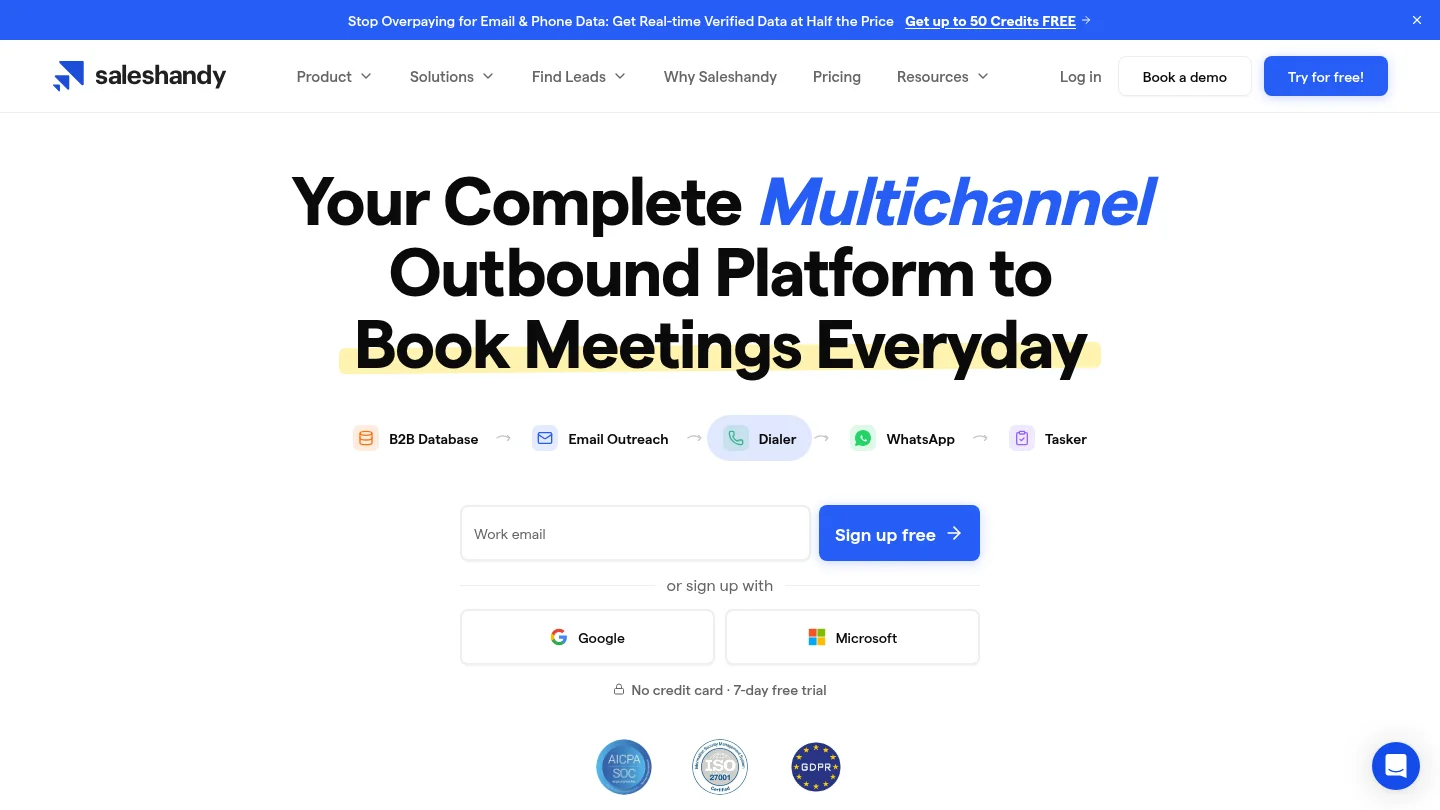
Best for: Teams seeking lead discovery and outbound execution in a connected workflow.
Saleshandy combines prospect discovery with campaign tools, including email sequences and multichannel outreach options. That makes it a closer fit for teams replacing both Apollo’s prospecting and its engagement functions. Its breadth may reduce the need to coordinate separate tools, but confirm which features and channels are included in the plan you are considering.
Pros:
- Combines lead finding with outreach workflows.
- Supports teams that want prospecting and campaign activity in the same platform.
Cons:
- Check sample records against your target market before relying on database claims.
- Review credit, sending, and feature limits before estimating your total cost.
2. ZoomInfo
Best for: Larger sales and revenue teams that need account intelligence and coordinated workflows.
ZoomInfo emphasizes company and contact data, account insights, intent signals, and integrations with sales systems. This broader intelligence layer can suit teams with established processes for managing territories, accounts, and multiple stakeholders. It may be more platform than a small team needs, so identify the features you will actually use and check how usage-based credits affect your costs.
Pros:
- Supports account research and larger team workflows.
- Offers a free Lite option alongside its broader platform, according to its current product information.
Cons:
- Consumption-based credits make it important to estimate usage before scaling.
- Its breadth may add unnecessary complexity for teams with a narrow prospecting need.
3. Cognism
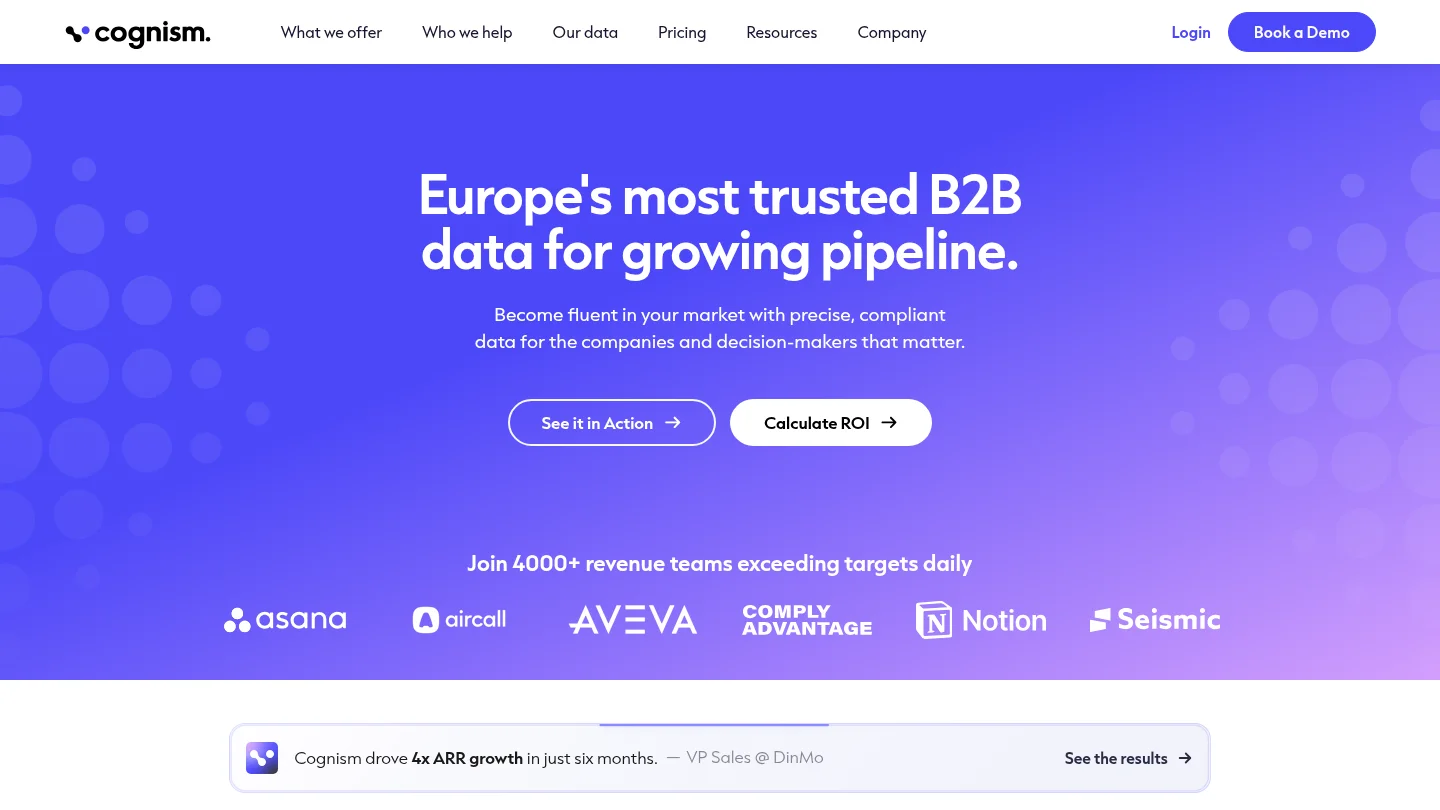
Best for: B2B teams prioritizing phone data, regional coverage, and data governance.
Cognism focuses on business contact data and sales intelligence, with particular emphasis on phone prospecting and European markets. It is worth evaluating when direct dials and international data requirements matter more than having every sales activity in one workspace. Ask for coverage in your specific regions and roles, and confirm how the package fits your current CRM and engagement setup.
Pros:
- Relevant for phone-oriented prospecting and teams selling across regions.
- Its positioning emphasizes compliance and data quality.
Cons:
- Published comparisons describe pricing as quote-based, so budget planning may require a sales conversation.
- Confirm whether you need a separate platform for campaign execution.
4.
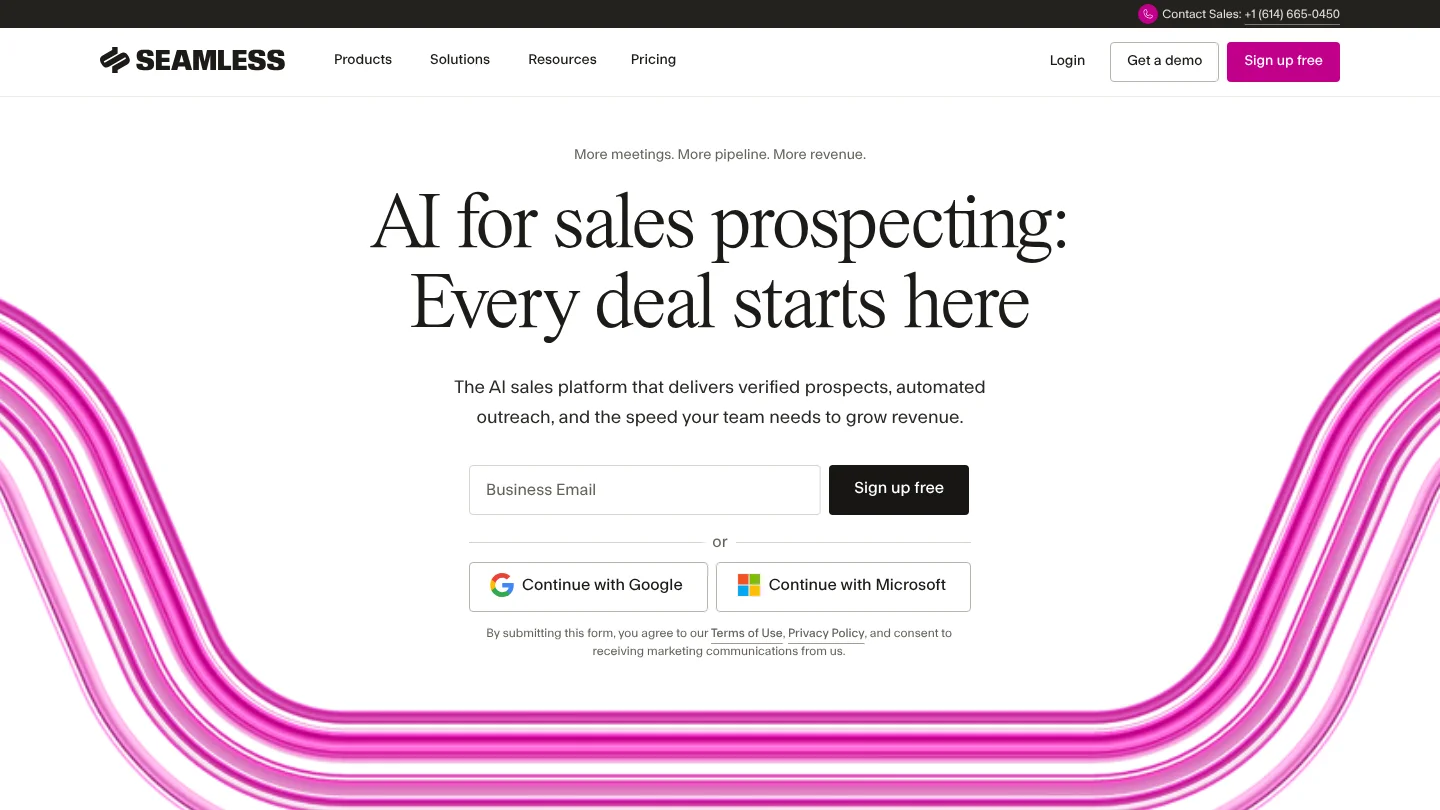
Best for: Sales teams building contact lists and using integrated engagement tools.
brings contact discovery together with sales engagement features. Its vendor information describes a credit refund when an email is invalid, a useful detail to verify against current plan terms. As with any contact database, test records from the job titles, industries, and locations you actually target instead of relying on general coverage claims.
Pros:
- Combines prospect discovery with tools for sales activity.
- Its stated credit policy can make invalid email results relevant to your evaluation.
Cons:
- Credit-based access requires a clear estimate of how your team will use searches and exports.
- Check the quality of a small sample before committing to larger volumes.
5. UpLead
Best for: Teams that want targeted B2B contact search with email verification.
UpLead focuses on B2B contact and company discovery, with real-time email verification described as part of its data workflow. That emphasis may suit teams whose immediate concern is checking work email addresses before outreach. Determine whether the data fields, regions, and integrations you need are available, and whether another tool will be needed for campaigns.
Pros:
- Offers contact search and email verification in the prospecting workflow.
- Useful for targeted list building where email quality matters.
Cons:
- Test whether its coverage matches your niche and international markets.
- Confirm how it fits with your outreach and CRM tools.
6. Lusha
Best for: Reps who want quick contact discovery while researching online or on LinkedIn.
Lusha offers contact discovery through its platform and browser-based workflows, with company data and sales signals also part of its broader offering. It can be a practical choice when individual reps need to look up contacts during active prospecting. Compare credit use for the data you reveal, especially if phone numbers are central to your process.
Pros:
- Supports browser-based prospect research.
- Provides contact discovery alongside company information and signals.
Cons:
- Credit use can affect costs as prospecting volume grows.
- Confirm that its data coverage suits your regions and target roles.
7. LeadIQ
Best for: Sales teams that capture prospects during research and move records into existing tools.
LeadIQ focuses on prospect data, capture, buying signals, and outreach preparation. Its value depends partly on how closely those features fit your team’s CRM and sales engagement workflow. If reps source leads across LinkedIn and other sites, assess how much manual data entry it removes and what follow-up still happens elsewhere.
Pros:
- Supports prospect capture and CRM enrichment workflows.
- Combines lead information with signals and outreach personalization features.
Cons:
- Its fit depends on your existing CRM and engagement tools.
- Review current plan allowances and trial terms before adopting it across a team.
8. LinkedIn Sales Navigator
Best for: Relationship-led prospecting and searching within LinkedIn’s professional network.
Sales Navigator helps users find and track leads and accounts through professional filters, saved searches, and alerts. InMail and relationship context can help teams start conversations within LinkedIn’s environment. It is not a like-for-like choice if your main requirement is a bundled source of verified email addresses and an outbound sequence platform.
Pros:
- Useful for professional search and account relationship research.
- Saved leads and alerts can support timely follow-up.
Cons:
- You may need another source for contact details and verification.
- Check which CRM features are available on the plan you choose.
9.
Best for: Teams whose prospecting starts with finding and verifying professional email addresses.
centers on email discovery, company and domain search, and email verification. It also offers outreach sequences, making it more than a lookup tool for teams with email-led campaigns. Its focused workflow may be easier to assess than an all-in-one sales platform, but it is less suited to teams that primarily need phone prospecting or deeper account intelligence.
Pros:
- Combines email finding and verification with email campaign features.
- Useful for domain-led prospect research.
Cons:
- Its core workflow is email-led, so verify requirements for phone-based prospecting.
- Compare its account intelligence with what your team needs from a broader sales platform.
10. RocketReach
Best for: Users looking up professional contact information for sales, recruiting, or research.
RocketReach is a contact discovery option for finding information about professionals and organizations. It may fit teams that need to locate specific people or build focused prospect lists without adopting a full sales engagement platform. Before selecting it, confirm which contact fields and integrations your plan includes and where campaign management will happen.
Pros:
- Supports professional contact discovery across different business use cases.
- Can suit targeted lookup workflows.
Cons:
- Check which data types and features are included in the relevant plan.
- Teams needing integrated campaign execution should confirm whether another tool is required.
11. Snov.io
Best for: Smaller teams seeking email prospecting, verification, and campaign features in one service.
Snov.io brings together lead generation tools, email verification, and outreach features. That combination can appeal to teams looking to coordinate email prospecting without assembling every part of the workflow separately. Compare its list-building limits, campaign functions, and available integrations with the work you expect the platform to handle.
Pros:
- Packages email discovery and verification with outreach capabilities.
- Can suit teams seeking a connected email prospecting workflow.
Cons:
- Check current plan allowances against your anticipated list and campaign volume.
- Verify whether its data and integrations cover your target market.
12. Clay
Best for: Teams building custom enrichment and research workflows across data sources.
Clay differs from a conventional contact database. It lets teams assemble research and enrichment workflows using multiple data providers, then apply their own logic to the results. This flexibility can help sophisticated operations create tailored processes. It also means setup and usage planning matter, and Clay may complement rather than fully replace a standalone contact database or outreach platform.
Pros:
- Supports flexible enrichment workflows using multiple data sources.
- Can help teams tailor research processes to their own criteria.
Cons:
- Building and maintaining workflows can require more setup than searching a single database.
- Check provider costs, usage limits, and the tools needed to execute outreach.
What should you check before choosing an alternative?
Start with the task you need to improve: finding contacts, checking email quality, researching accounts, or running outreach. Test a sample that reflects your actual target roles and regions. Compare the returned fields, source context, verification process, export rules, credit usage, and connections to your CRM. A large contact count alone does not tell you whether the records fit your market.
Also check whether the platform helps you prepare outreach or sends it for you. In the United States, the FTC’s CAN-SPAM guidance says the law applies to business-to-business email as well as other commercial messages. For UK outreach, the ICO’s B2B marketing guidance explains that rules can differ by recipient type and that UK GDPR may apply when you process a person’s business contact details. Review the rules for each market where you prospect.
A research-first option for independent consultants
Independent consultants may not need the same combination of database search, sales engagement, and team workflows as a larger sales organization. Our lead research software for independent consultants explains a narrower approach: researched companies, evidence of possible service fit, suggested messages, and conversation tips for you to review. You remain responsible for qualifying each company, finding or verifying the right contact, personalizing the message, and sending it.
If you are designing a more technical research process, include data handoffs and workflow requirements in your evaluation. apiarc.ai can be considered separately as you assess resources for your needs. To weigh a research-led process against other prospecting approaches, read whether lead research software is worth it.
Choosing the right competitor
The best alternative depends on the work you want it to do. Compare platforms on contact coverage, verification, account research, execution, integrations, and total usage costs. Saleshandy and Snov.io combine prospecting with outreach, while tools such as or LinkedIn Sales Navigator focus on narrower parts of the process. For independent consultants, a reviewed daily research brief may be a better fit than a full sales platform.
Build a more focused prospect research routine
If you sell consulting services to businesses, finding a promising company is only the first step. We research companies that may match your services, provide source information and explain the potential fit, then prepare a draft message and conversation tips for you to review.
Our first researched brief is available after signup without a card. Starter is $49 per month for up to 10 requested leads in one daily brief, and Pro is $99 per month for up to 20. Fewer relevant companies may be returned. Eligible accounts can try a seven-day subscription trial with a payment method; subscriptions renew monthly unless canceled before the trial ends. Explore our daily researched lead briefs and decide whether this research-first approach suits your workflow. You review, qualify, personalize, and send every message yourself.
Frequently Asked Questions
Which competitor should you choose for phone prospecting?
Cognism is worth evaluating when phone data and international coverage are important to your sales process. Test its records in your target regions and confirm the package, data fields, and outreach tools you need.
Which alternative combines prospecting and outreach?
Saleshandy and Snov.io combine lead-related tools with outreach features, while also describes sales engagement capabilities. Compare the channels, limits, and data quality that matter to your team.
Is LinkedIn Sales Navigator a complete replacement?
Not necessarily. It is useful for professional search, account research, and LinkedIn-based relationship workflows, but teams may need separate tools for contact verification or broader campaign execution.
Is Clay a direct competitor?
Clay is better understood as a custom enrichment and workflow platform than a conventional contact database. It may complement other data sources, but teams should account for setup and usage requirements.
Can independent consultants use ProspectDog instead of ?
Our service can support company research and outreach preparation for B2B consultants, but it is not a like-for-like replacement for a contact database or sales engagement suite. You review and qualify prospects, verify contacts, personalize drafts, and send messages yourself.