


If prospect research takes longer than preparing a thoughtful first message, your tool should shorten the path from company signal to a relevant conversation. For independent B2B consultants, a contact database alone rarely answers the key question: why might this company need your service now? Our best outreach preparation software comparison point is a daily brief shaped around your service, ideal client, and market, with source context and drafts for review.
The right choice depends on whether you need company discovery, professional activity signals, contact enrichment, or campaign execution. Keep those tasks distinct: a researched shortlist is not the same as verified contact data or an email campaign. In the United States, commercial business-to-business emails are covered by CAN-SPAM, as the FTC’s CAN-SPAM guide explains.
Which outreach preparation tools suit consultants?
For a consultant who wants companies researched around a defined service, ideal client, and market, ProspectDog combines those inputs with source context and draft preparation. Other options fit when you need to diagnose prospects you already have, find signals in LinkedIn activity, build a custom enrichment workflow, or manage campaigns.
Compare the work each platform actually performs. The table distinguishes lead discovery from preparation and sending, so you can match a tool to your main bottleneck rather than buying overlapping features.
| Rank | Tool | How it finds prospects | What it prepares | Who handles sending |
|---|---|---|---|---|
| 1 | ProspectDog | Company research shaped by your service, ideal client, and market | Sources, potential service fit, drafts, and conversation tips | You qualify, verify, personalize, and send |
| 2 | Doctor Lead | Configured criteria, plus leads you add, import, or discover | Company research, signals, hooks, objections, and drafts | Human approval before outreach |
| 3 | Flynt AI | Recruiting-related hiring, funding, and acquisition signals | Candidate-specific pitches and outreach sequences | Built around automated recruiting outreach |
| 4 | Signado | LinkedIn posts, comments, profiles, keywords, and job posts | Original context, fit assessment, and message drafts | You choose the sending route and message |
| 5 | LinkedIn Sales Navigator | Lead and account filters, saved searches, and activity | Professional and company context for manual preparation | You prepare and send outreach |
| 6 | Clay | Configured data sources, enrichment, and signals | Custom research, scoring, and workflow outputs | You configure the workflow and sending route |
| 7 | HubSpot Sales Hub | CRM records and prospecting workflows | Prospecting and outreach support within a broader sales platform | Depends on your configured workflow |
| 8 | Lemlist | Lead discovery, database search, and enrichment | Personalization and multichannel campaign sequences | Campaigns run through its outreach workflow |
1. ProspectDog
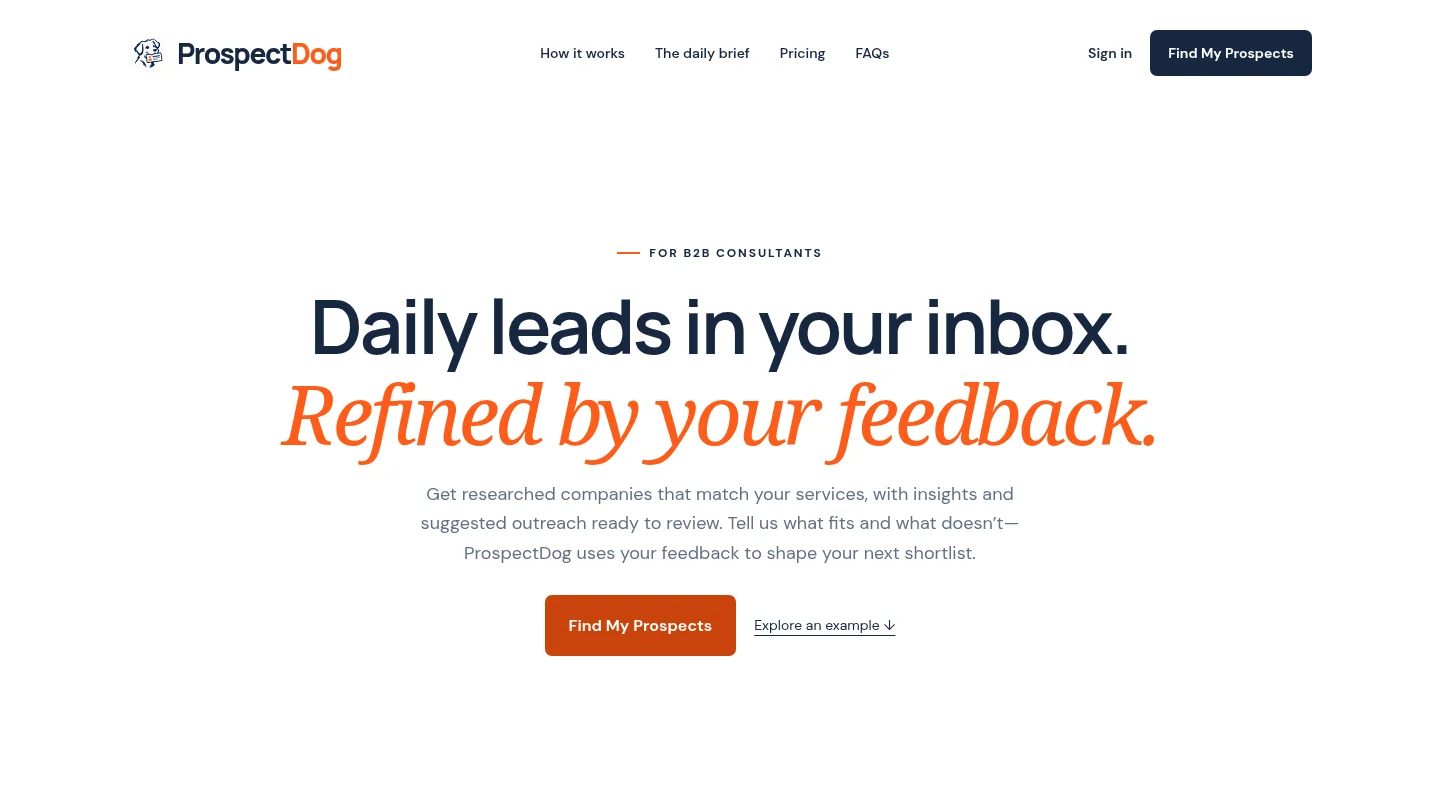
Best for: B2B consultants who want daily company research shaped by their service, expertise, ideal client, and market.
We prepare a daily brief with researched companies, source information, a reason each company may need your service, suggested subject lines, a draft, and conversation tips. Your feedback about what fits and what does not can shape later shortlists. Starter costs $49 per month for up to 10 requested leads in one daily brief. Pro costs $99 per month for up to 20. One researched brief is free after signup without a card. Eligible accounts can start a seven-day trial with a payment method. Subscriptions renew monthly unless canceled before the trial ends.
Pros:
- Service-matched research connects company context to the consulting offer you describe, instead of stopping at a contact list.
- Source-backed preparation gives you evidence and a draft to review before deciding whether to contact a company.
- The first researched brief is free after signup, and ongoing plans state their monthly prices and requested lead allowances.
Cons:
- You still need to qualify each company, find or verify a contact, personalize the draft, and send it yourself.
- Daily allowances count requested results, so a brief may return fewer relevant companies than the plan limit.
2. Doctor Lead
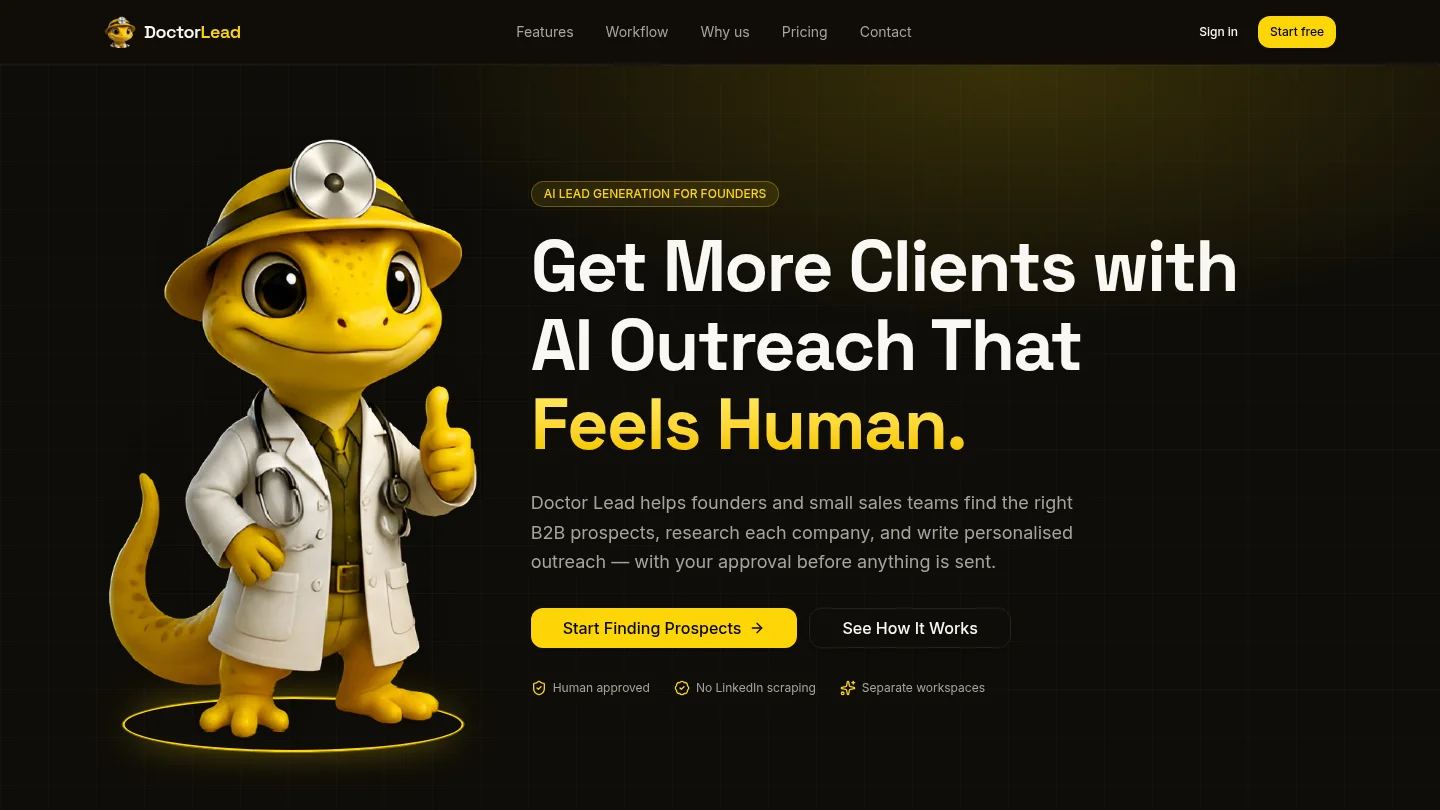
Best for: Consultants who already have prospects or want research, draft approval, and pipeline tracking in one workflow.
Doctor Lead lets you define an ideal client and add, import, or discover prospects. It researches companies and surfaces possible signals, conversation hooks, and objections before preparing personalized outreach for approval. Its CRM pipeline and reply tracking extend the workflow beyond initial research. This is useful when you want to manage prospects across campaigns, rather than receive a daily shortlist shaped specifically around your consulting service.
Pros:
- Combines lead research and draft review with pipeline and reply tracking.
- Supports defined ideal-client criteria and prospect workflows across workspaces.
Cons:
- You need to define your criteria and add, import, or discover prospects, which is a different setup from receiving a daily service-matched shortlist.
3. Flynt AI
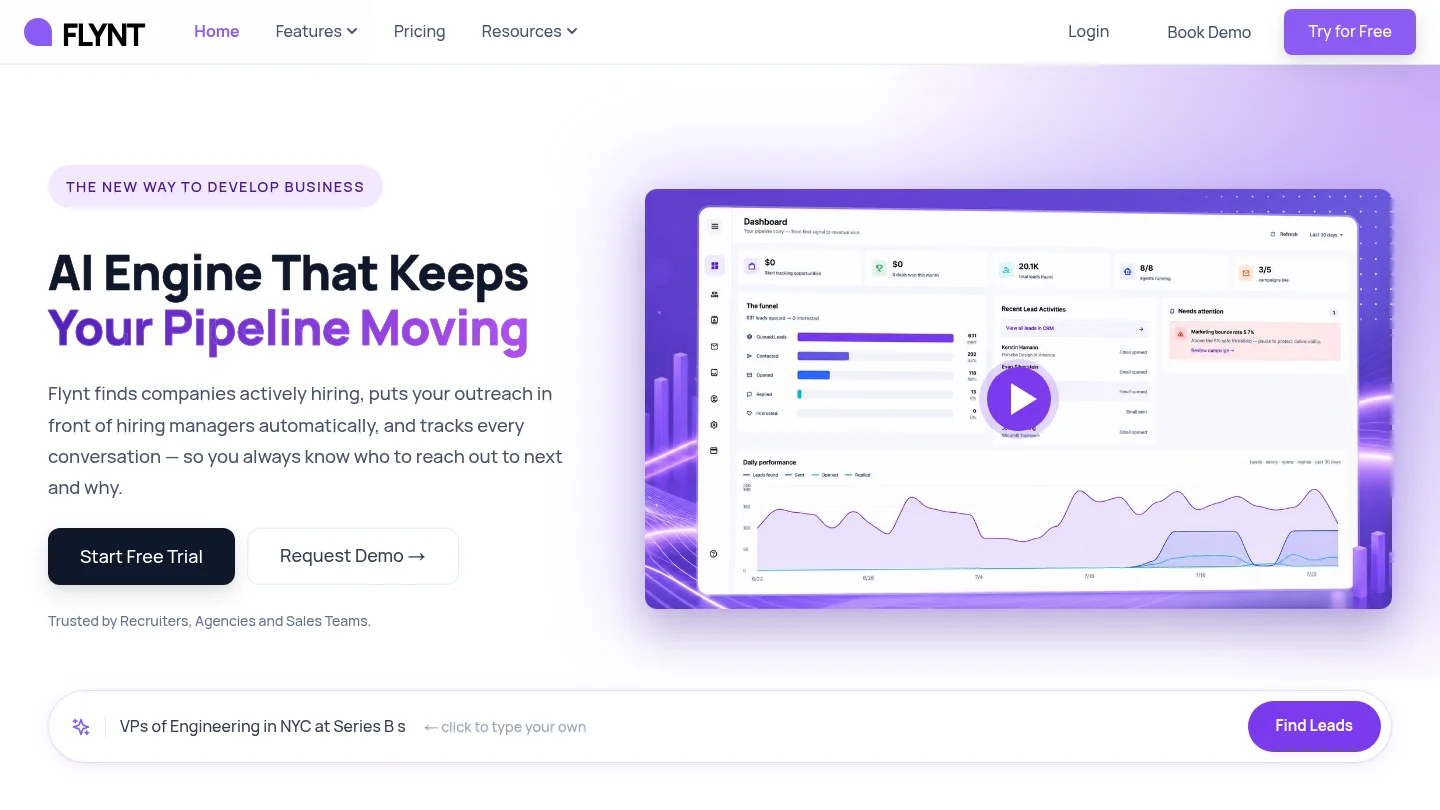
Best for: Recruiting consultants who want to identify companies hiring for a candidate profile and prepare outreach around that signal.
Flynt AI is designed for recruiters. It finds companies through hiring, funding, and acquisition signals, then builds candidate-specific outreach for email and LinkedIn sequences. Its site describes delivery of up to 30 leads per day per agent. That focus can suit recruitment work, but it is narrower than general consulting research built around a consultant’s service and ideal client.
Pros:
- Connects recruiting-related company signals with candidate-specific pitches.
- Combines research, outreach, and pipeline tracking in a recruiting-oriented workflow.
Cons:
- Its recruiting focus makes it less suitable for consultants selling services unrelated to recruitment.
- The automated sequence workflow may not fit consultants who prefer to review and send each message themselves.
4. Signado
Best for: Consultants whose prospective clients share useful needs in LinkedIn posts, comments, or job listings.
Signado finds people and companies through LinkedIn activity, then adds context from the original post, comment, or job listing to its fit assessment and draft. You decide whether to email, copy a draft into a LinkedIn message, or use another connected sending route. The tool’s stated audience includes consultants selling go-to-market, digital marketing, or AI services, making the signal source especially relevant when your prospects are active there.
Pros:
- Visible conversation context gives you a specific post or comment to review before writing.
- You retain the choice about whether and how to send a message.
Cons:
- Discovery depends on relevant LinkedIn activity or job posts, so its fit depends on where your target clients share useful signals.
5. LinkedIn Sales Navigator
Best for: Consultants who prefer to find companies and professional contacts through filtered account and lead searches.
Sales Navigator supports searches using criteria such as company size, location, industry, job title, and seniority. Saved searches and alerts can surface new matches or changes in saved accounts. This makes it useful for relationship research and account discovery. You still need to connect a company’s activity to your consulting service, review the context, and prepare a relevant message.
Pros:
- Offers detailed lead and account filters for narrowing a target market.
- Saved searches and alerts help you notice new matches and account activity.
Cons:
- The core workflow centers on search and professional context, leaving the service-fit explanation and tailored first message to you.
6. Clay
Best for: Consultants or technical operators who want to build custom research, enrichment, and scoring workflows.
Clay combines data enrichment, company and person research, signal discovery, and workflow tools. Its configurable setup can support custom fields and repeatable steps, including a native sequencer or connected campaign providers. This flexibility suits users with clear qualification criteria. It also means you need to design and maintain the workflow rather than rely on a prepared daily consulting shortlist.
Pros:
- Supports research and enrichment workflows shaped around your chosen criteria.
- Can connect company research and signals to later outreach steps.
Cons:
- You must decide which sources, fields, and qualification steps matter, then build and maintain the process.
7. HubSpot Sales Hub
Best for: Consultants or firms that want prospecting connected to a broader CRM and sales workflow.
HubSpot Sales Hub combines sales tools with HubSpot’s wider customer platform. Its prospecting features can work alongside CRM records and sales activity, which can suit a team already using HubSpot to manage its pipeline. It covers more than the initial research step, so compare its setup and scope with your need for a focused company brief.
Pros:
- Connects prospecting and sales activity to CRM records within a wider platform.
- Can suit teams that want sales workflow management alongside lead research.
Cons:
- The wider CRM and sales scope may be unnecessary if your main need is a researched shortlist and draft preparation.
8. Lemlist
Best for: Consultants with a prospecting process who need lead discovery, personalization, and multichannel campaign execution.
Lemlist combines lead discovery and enrichment with outreach sequences across email, LinkedIn, calls, and other channels. Its product includes an email finder and verifier, as well as AI tools for researching leads and personalizing outreach. That range can help when you want to run campaigns after selecting prospects. If your main challenge is finding a credible reason a company might need your service, campaign features alone do not resolve that research question.
Pros:
- Brings lead discovery and enrichment together with multichannel campaign tools.
- Includes an email finder and verifier among its lead features.
Cons:
- Campaign breadth may be more than you need if your priority is researching service fit before contacting a company.
How should you assess a prospect signal?
Start with the source, not the draft. Check whether a hiring notice, expansion update, or public comment is current, and whether it connects to a service you genuinely provide. A signal is a reason to investigate, not proof of budget or buying intent. For a wider look at outreach prep platforms for independent consultants, compare how each tool shows its evidence and keeps your review in the workflow.
Do not confuse personalization with relevance. One 2011 experiment involving 109 consumers receiving newsletters found that personalized messages improved evaluation, but not the other measured outcomes. The setting was not B2B prospecting. That is a reason to prioritize accurate company context over personal details without a clear business rationale, as one email personalization study illustrates.
Consultants working in a specific niche should also compare how their offer changes the research criteria. Our outreach preparation software for marketing consultants covers a narrower service context, where a company’s marketing activity may matter more than its general profile.
What should you verify before sending?
Review the source, confirm that the evidence supports your reason for reaching out, and find the appropriate contact. Replace assumptions in any draft with details you can substantiate. If a tool supplies an address, verify it before use. Keep the message specific enough to be relevant without implying that you know more about the company’s situation than the evidence shows.
Before increasing email volume, check your sending domain and message workflow. Google’s sender guidelines require SPF or DKIM for senders to personal Gmail accounts. Senders exceeding 5,000 daily messages to Gmail must use SPF, DKIM, and DMARC. In the United States, commercial business-to-business email is covered by CAN-SPAM, so your preparation tool does not replace your responsibility to review the message and applicable requirements.
Choose a tool based on which step consumes the most time. If you need company discovery and a reason to contact each business, prioritize lead research software with source context. If you already have qualified accounts, a CRM or campaign platform may better support follow-up. For consultants, a useful workflow connects company research, service fit, and human review without treating a draft as a message already sent.
Choose a Tool That Fits Your Outreach Workflow
The right outreach preparation software depends on whether you need to find companies, interpret their signals, manage a prospect list, or run campaigns. For consultants seeking a daily shortlist shaped by their service, prioritize relevant research, reviewable source evidence, and drafts you can personalize. Before sending, qualify the company, verify the contact, and make sure the message reflects what you actually know.
Build a Daily Prospecting Routine
When your consulting offer is clear but company research keeps interrupting delivery work, a focused routine can make outreach easier to sustain. We shape our brief around the service, expertise, ideal client, and market you provide, so each company comes with source context, a possible service fit, and a draft for your review.
Get a researched brief for your consulting service. You review the evidence, qualify the company, find or verify the right contact, personalize the message, then send it from your own email account. Your first researched brief is free after signup, with no card required. For ongoing research and dashboard access, Starter costs $49 per month for up to 10 requested leads in one daily brief, and Pro costs $99 per month for up to 20. Eligible accounts can start a seven-day trial with a payment method. Subscriptions renew monthly unless canceled before the trial ends.
Frequently Asked Questions
What does outreach preparation software do for a consultant?
It helps you identify potential companies, review relevant evidence, and prepare a message connected to your service. You remain responsible for deciding whether a prospect fits and what to send.
Does ProspectDog verify contacts or buying intent?
No. Research signals indicate potential service fit, not confirmed buying intent or verified contacts. Review the source and verify the appropriate contact before outreach.
Does ProspectDog send messages to prospects?
No. Starter and Pro prepare drafts for you to review and copy. You personalize and send messages through your own email account.
How is research software different from a campaign platform?
Research software helps you find companies and understand why they may fit your service. Campaign platforms organize or send outreach after you have decided which prospects to contact.
What should I check before sending a prepared message?
Confirm that the source is relevant, the contact is appropriate, and the draft does not make unsupported assumptions. Personalize it, then review the requirements that apply to your outreach method and market.