


An outreach tool is only useful if it helps you decide whom to contact and why. For the best outreach preparation software for 2026, compare company research, source visibility, service fit, draft quality, and how much control you retain. If you advise marketing teams, our best outreach preparation software for marketing consultants comparison focuses on that narrower workflow.
The case for relevance is practical: Gartner’s 2025 survey found that 73% of surveyed B2B buyers actively avoid suppliers that send irrelevant outreach. For independent consultants, evidence and service-specific fit matter more than a generic contact count. Research software should support a reasoned first conversation, not simply increase the number of messages you send.
The best outreach preparation software in 2026 at a glance
If you already spend time researching companies, start by separating preparation tools from systems designed to send messages or run sales campaigns. This shortlist compares where each tool finds opportunities, what outreach work it prepares, and how much execution it takes on.
| Rank | Tool | Research focus | Preparation output | Execution role |
|---|---|---|---|---|
| 1 | ProspectDog | Companies matched to a consultant’s service and market | Sources, potential fit reasons, drafts, and tips | You review, personalize, and send |
| 2 | Doctor Lead | Ideal-client criteria, prospects, and potential signals | Personalized drafts and follow-ups | Human approval, pipeline, and reply tracking |
| 3 | Flynt AI | Hiring, funding, and acquisition signals | Scored opportunities and tailored outreach | Email and LinkedIn sequences |
| 4 | AiSDR | Live searches, public signals, and prospect research | Research-led messages and campaign ideas | AI-led multichannel sales execution |
| 5 | Bazooka | Prospect research across social channels | Personalized conversation preparation | Automated outreach, replies, and meeting booking |
| 6 | Signado | LinkedIn activity, including posts and comments | Fit assessment and suggested messages | Supports user-led outreach preparation |
| 7 | Humen | Research connected to your pitch and value proposition | Personalized email writing | Focuses on preparing email at scale |
What should consultants compare before choosing?
McKinsey’s 2026 Global B2B Pulse, based on nearly 4,000 decision-makers across 13 countries, reports that buyers use an average of ten channels. That supports checking your real channel needs, not assuming every consultant needs an autonomous multichannel agent.
For a consultant, the first question is whether software explains why a company may fit your service. A contact database can help you find people, but it does not necessarily connect a company’s situation to your particular offer. Look for source visibility so you can inspect the evidence, then decide whether the signal supports a useful conversation.
Next, check how the tool handles drafting and sending. A suggested message is not the same as a message sent, and an approval step differs from full automation. Consider whether you want to retain human review, how much daily lead capacity you can realistically qualify, and whether a daily email brief or campaign dashboard suits your routine. Independent advisers can also compare our outreach prep software for independent consultants guide and our outreach prep software for operations consultants comparison.
1. ProspectDog
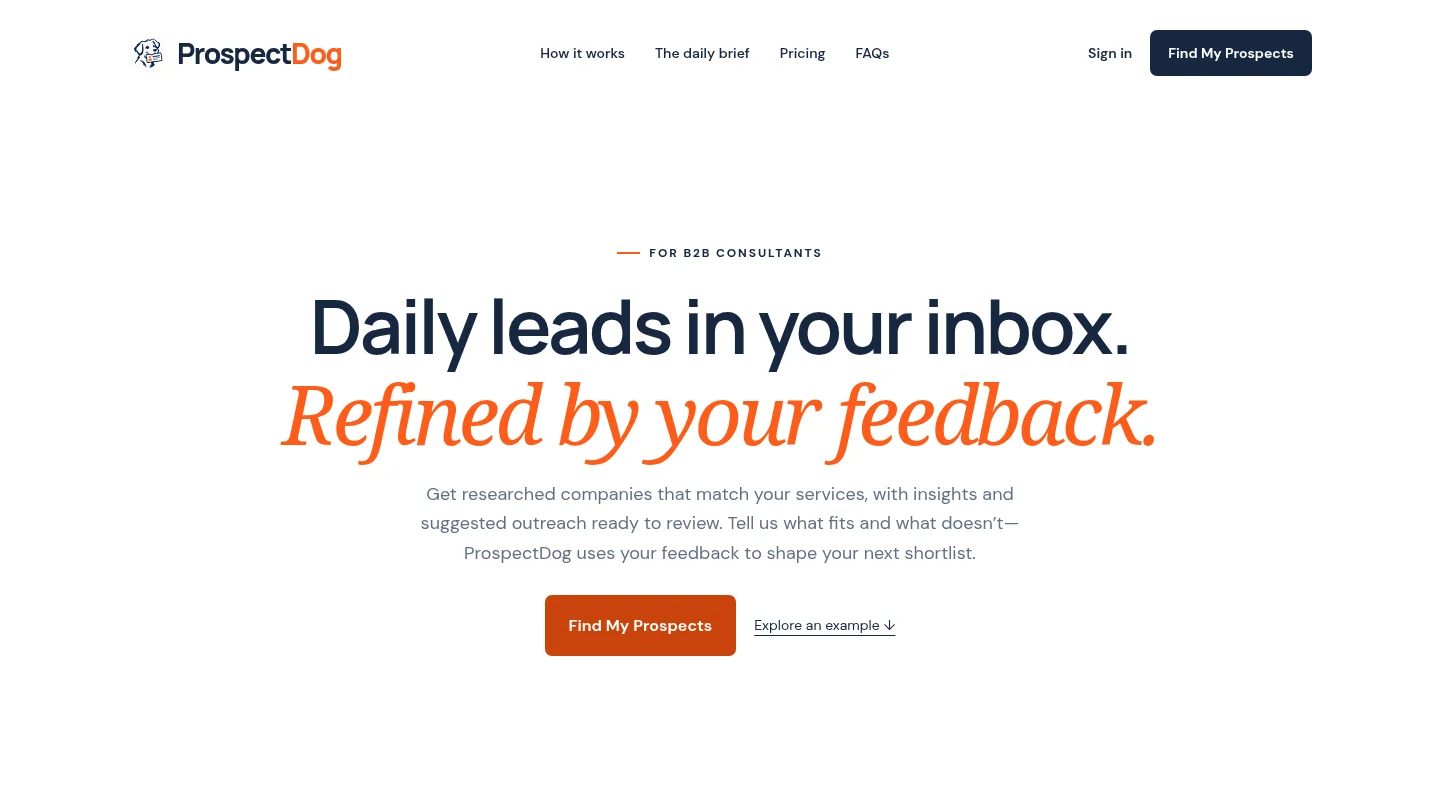
If you want to start with company research shaped around your consulting offer, our daily brief is the most direct fit in this selection. You provide your service, expertise, ideal client, and market. We use those details to shape researched company shortlists, with source information, potential reasons a company may need your service, suggested outreach, and practical conversation tips. Feedback on what fits can shape later shortlists.
Starter is $49 per month for up to 10 requested leads in one daily brief. Pro is $99 per month for up to 20 requested leads. Both include dashboard access, saved preferences, researched leads, drafts, and history. You can also receive one researched brief after signup without a card. The daily allowance counts requested results, so a brief may return fewer relevant companies.
Pros
- Research connects a company’s situation to your service, rather than stopping at a contact list.
- Sources and potential fit reasons give you context to review before deciding whether to reach out.
- Drafts and practical tips provide a starting point while feedback helps shape later shortlists.
- A free first researched brief lets you assess the workflow without a card.
Cons
- You remain responsible for qualifying each company, finding or verifying the right contact, personalizing the draft, and sending it yourself.
- The number of relevant companies returned can be lower than the number of leads requested.
For a wider consultant-focused shortlist, see our top outreach preparation platforms for independent consultants comparison.
2. Doctor Lead
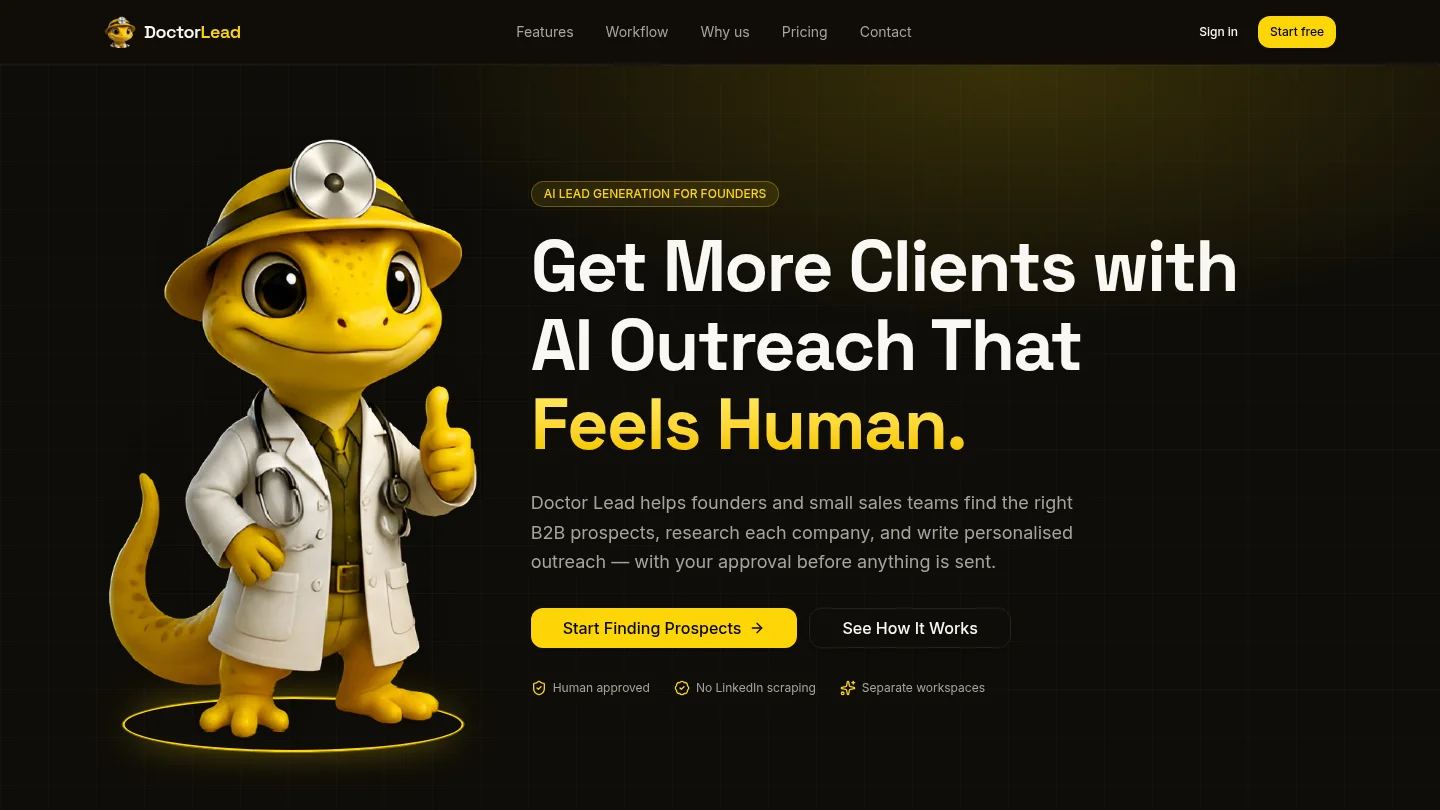
Teams that want research, draft approval, and campaign tracking in one workflow should consider Doctor Lead. It lets users define an ideal client, discover or import prospects, and review potential buying signals, conversation hooks, and objections. Its outreach drafts and follow-ups are prepared for human approval, with a CRM pipeline and reply tracking for managing activity.
Pros
- Connects prospect research with personalized outreach drafts and follow-ups.
- Human approval gives users a review point before outreach is sent.
- A visual CRM pipeline and reply tracking support campaign management.
- Its product page describes a 14-day free trial.
Cons
- The pipeline and campaign workflow is better suited to users who want to track ongoing prospect activity, not only receive a concise daily research brief.
- Its research is organized around defined ideal-client criteria and prospect campaigns, while our brief is shaped around a consultant’s service profile and daily shortlist.
3. Flynt AI
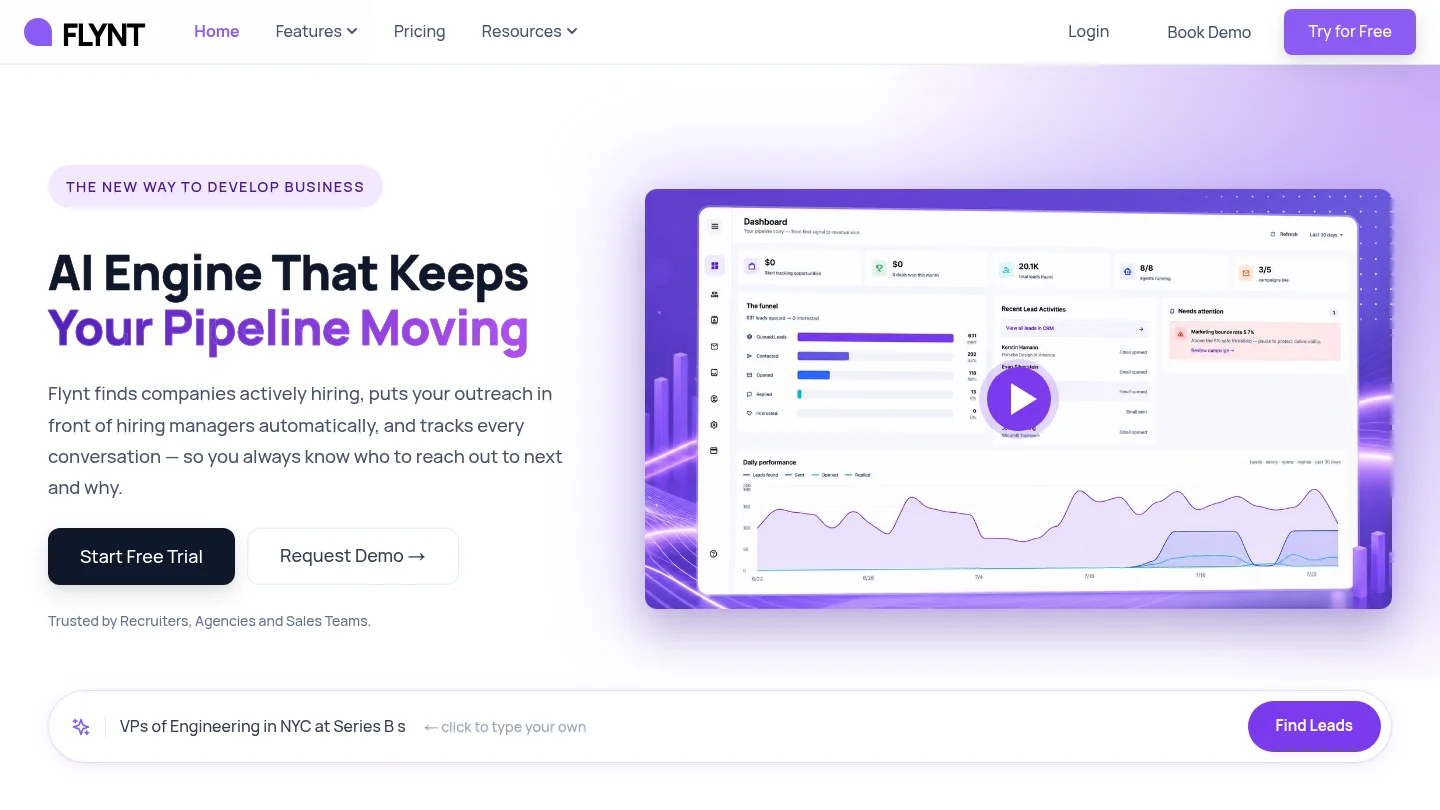
Recruiters and recruitment agencies have a more specialized option in Flynt AI. Its research focuses on companies showing signals such as hiring activity, funding, or acquisitions. It connects those signals to scored opportunities and tailored outreach, including email and LinkedIn sequences.
Pros
- Connects live business events to potential recruiting opportunities and outreach context.
- Brings company research and email or LinkedIn campaign activity into one workflow.
- Its recruiting focus suits firms pitching candidates or recruitment services.
Cons
- Hiring-centered discovery is less directly aligned with consulting offers unrelated to recruitment.
- Its sequence-based execution is a broader workflow than a preparation tool that leaves each message for the user to send.
4. AiSDR
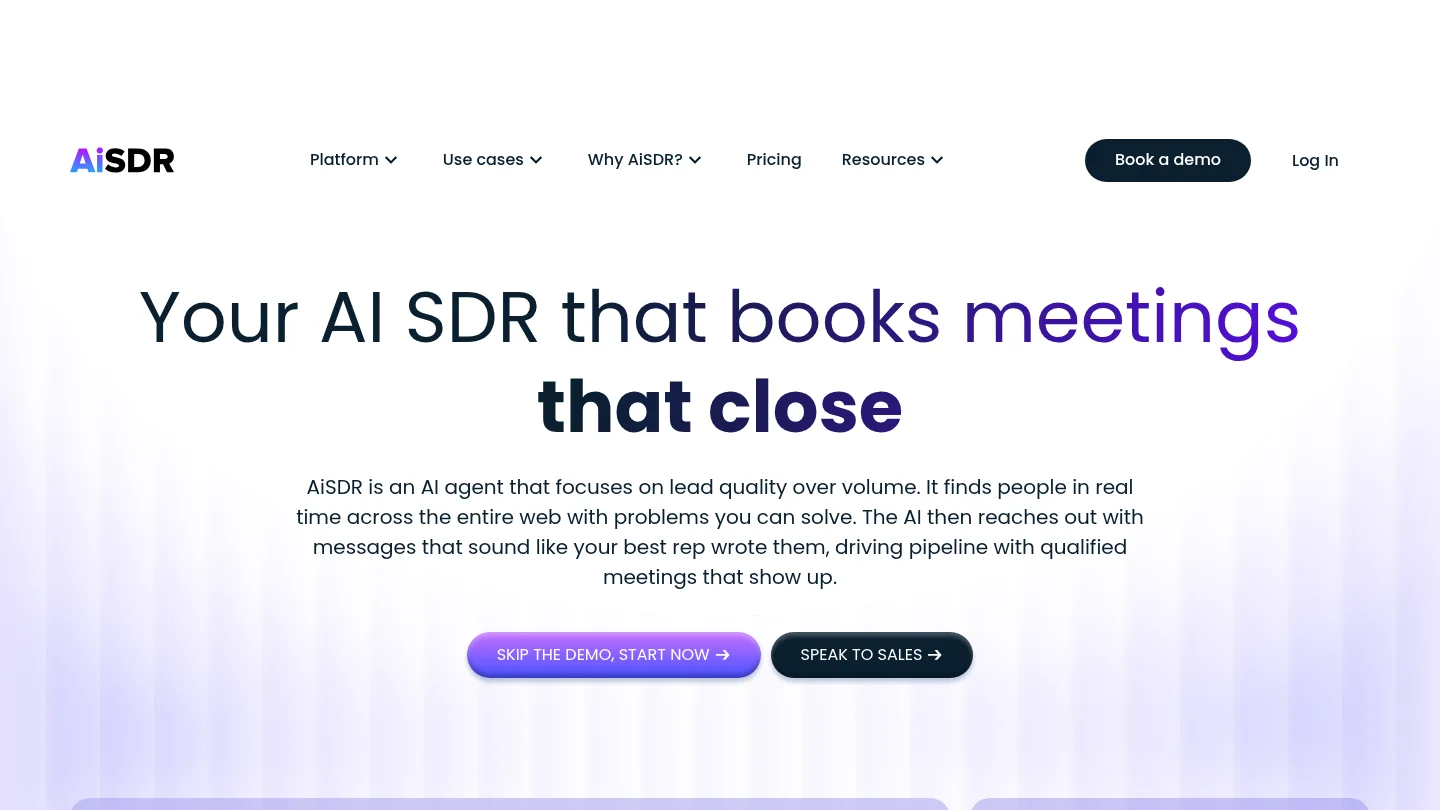
AiSDR is designed for sales teams seeking a broader AI-led outbound process. Its described functions include searching for prospects using public web data, researching company and industry context, drafting messages, and building multichannel sequences. The system also handles outreach execution, making it a different choice from software focused on preparing a brief for personal review.
Pros
- Research can draw on current public signals and company context rather than relying only on a static prospect list.
- Connects research, message drafting, campaign sequences, and CRM workflows.
- Can suit teams looking to automate prospecting and follow-up across channels.
Cons
- Its AI SDR approach is geared toward executing outreach, not simply preparing drafts for a consultant to send manually.
- Consultants who prefer to qualify each company and control every message should check whether its automated workflow matches that preference.
5. Bazooka
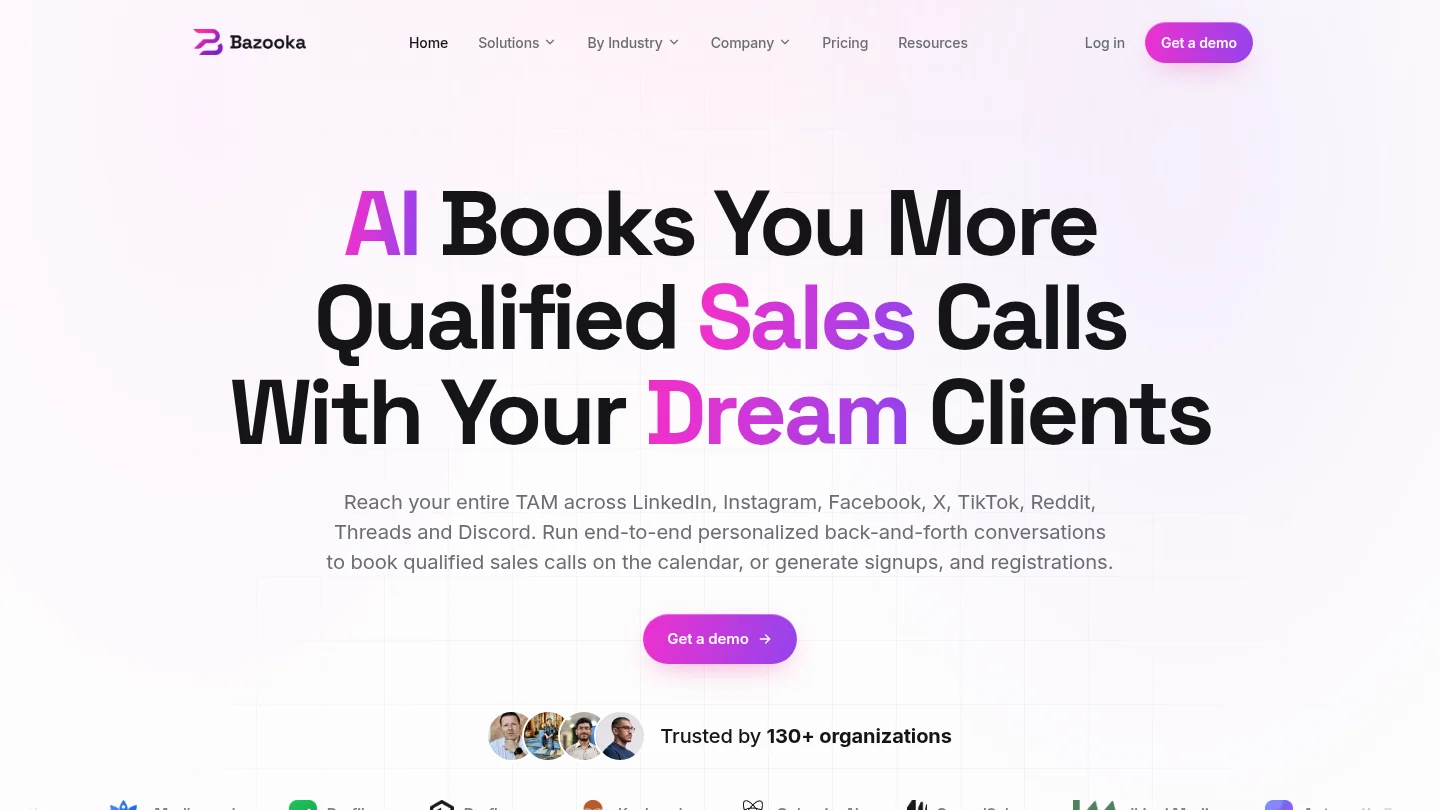
Bazooka is the broadest automation option in this selection. Its described system researches prospects and manages outreach conversations across social channels, including replies and meeting booking. A vendor comparison dated October 1, 2026 listed its AI Starter plan at $597 per month, positioning it as a wider acquisition system rather than a focused research brief.
Pros
- Combines prospect research with multichannel outreach and conversation handling.
- Can suit teams seeking an automated acquisition workflow rather than a preparation-only tool.
- Its wider channel coverage may be relevant when prospects engage outside email and LinkedIn.
Cons
- Its automated execution goes beyond the research and draft preparation many independent consultants need.
- The cited starting price is for a broader system, so compare its total workflow with the smaller task you need to solve.
6. Signado
For consultants who look for prospects through relevant LinkedIn activity, Signado offers a different starting point. Its described workflow searches posts, comments, profiles, and keywords, then connects a suggested lead with the activity behind it. A fit assessment and message suggestion can help you decide whether a public discussion offers a relevant opening.
Pros
- Links a prospect suggestion to a LinkedIn post or comment that can provide conversation context.
- Helps assess a person’s potential fit and prepare a message around the activity that surfaced them.
- Can suit consultants whose outreach depends on finding people discussing relevant problems.
Cons
- The workflow is most relevant when your target prospects are active in the LinkedIn activity you search.
- If you prioritize a daily shortlist of companies matched to your consulting service, compare its activity-led approach with a company-research brief.
7. Humen
Humen is worth considering when the main bottleneck is turning research into personalized email copy. Its described approach connects research insights to your pitch and value proposition, then uses that context to prepare emails at scale. This emphasis differs from a daily brief built around a shortlist of potential client companies.
Pros
- Connects research insights with the user’s pitch and value proposition.
- Focuses on preparing personalized emails at scale.
- May suit teams that already have a prospecting process and need more help with message preparation.
Cons
- Its described emphasis is research-informed email writing, so check that its research output meets your needs for source review and company qualification.
- If you want a ready-to-review daily shortlist, confirm that the specific workflow provides it.
Conclusion: Choose the preparation level you need
The right choice depends on whether your main bottleneck is finding relevant companies, preparing messages, tracking campaigns, or automating outreach. For consultants who want research-led outreach preparation, prioritize a tool that connects company evidence to your service and leaves you room to qualify each prospect. Broader AI SDR systems make more sense when you want software to run sequences, manage replies, or book meetings.
Start with a researched daily brief
If your prospecting begins with searching for companies and piecing together a reason to contact them, a consultant-focused research brief gives that work a repeatable starting point. You provide your service, ideal client, and market, then review the evidence and decide which opportunities deserve your attention.
Receive one researched brief after signup without a card. For ongoing research and dashboard access, Starter is $49 per month for up to 10 requested leads in one daily brief, and Pro is $99 per month for up to 20. Eligible accounts can start a seven-day trial with a payment method; subscriptions renew monthly unless canceled before the trial ends. You review and send each message yourself. Get your first researched brief.
Frequently Asked Questions
What does outreach preparation software do?
It helps you identify potential prospects, understand why they may fit your service, and prepare an outreach message. Depending on the tool, it may also manage campaign activity or send messages.
How is outreach preparation different from an email sequencer?
Preparation focuses on researching prospects and creating context or drafts for review. A sequencer focuses on sending and managing messages across a campaign, sometimes with automated follow-ups.
Does a company signal prove that a prospect is ready to buy?
No. Hiring, expansion, or other company activity can suggest a possible service fit, but it does not confirm buying intent. Review the source and qualify the company before contacting it.
Does ProspectDog send messages to prospects?
No. Starter and Pro provide researched companies, sources, suggested drafts, and practical tips, but do not send prospect emails, replies, or follow-ups. You find or verify the contact, personalize the message, and send it yourself.
Can I evaluate ProspectDog before subscribing?
Yes. You can receive one researched brief after signup without a card. Eligible accounts can also start a seven-day Starter or Pro trial with a payment method.