


How do you approach a company with an operational challenge without sounding as though you are guessing? A useful prospecting routine starts with a credible company signal, then connects it to your service. For that research-first approach, our outreach prep platforms for independent consultants offer a useful comparison point. The best outreach preparation software for operations consultants in 2026 should help you prepare a relevant conversation, not simply produce a longer contact list.
Operations consulting covers different services, from process improvement to automation and resource planning. A tool should let you define your offer and target client, show why a company might be relevant, and leave room for your judgment. Preparation also does not remove your responsibility for compliant outreach. In the United States, the FTC’s CAN-SPAM guidance applies to commercial email, including business-to-business messages.
Which outreach preparation tools fit operations consultants?
For a consultant who wants a daily shortlist shaped around an operations service, ProspectDog is the closest fit in this selection. Doctor Lead supports prospect diagnosis and approval, while Signado is useful when relevant signals appear in LinkedIn activity or job posts. Other options cover account discovery, custom enrichment, CRM workflows, or campaign execution rather than a tailored consultant brief.
| Rank | Tool | Discovery basis | Preparation supplied | Sending workflow |
|---|---|---|---|---|
| 1 | ProspectDog | Companies matched to your service, ideal client, and market | Source evidence, potential service-fit reasons, drafts, and conversation tips | You qualify, verify, personalize, and send |
| 2 | Doctor Lead | Prospects added, imported, or discovered for a defined ideal client | Company research, signals, conversation hooks, objections, and drafts | Human approval before outreach |
| 3 | Signado | LinkedIn posts, comments, profiles, keywords, and job posts | Source context, fit assessment, suggested next steps, and drafts | You choose whether and how to send |
| 4 | LinkedIn Sales Navigator | Lead and account searches, saved profiles, and alerts | Professional context and account activity for manual preparation | Research and message through LinkedIn |
| 5 | Clay | Custom data and enrichment workflows | Structured research, scoring, and personalization fields | Connect the workflow to your chosen outreach tools |
| 6 | HubSpot Sales Hub | CRM records and prospecting workflows | CRM context, prospecting signals, and personalized outreach support | Manage outreach within a broader sales platform |
| 7 | Lemlist | Lead database, filters, and enrichment | Contact context and personalization for campaigns | Run multichannel outreach sequences |
1. ProspectDog
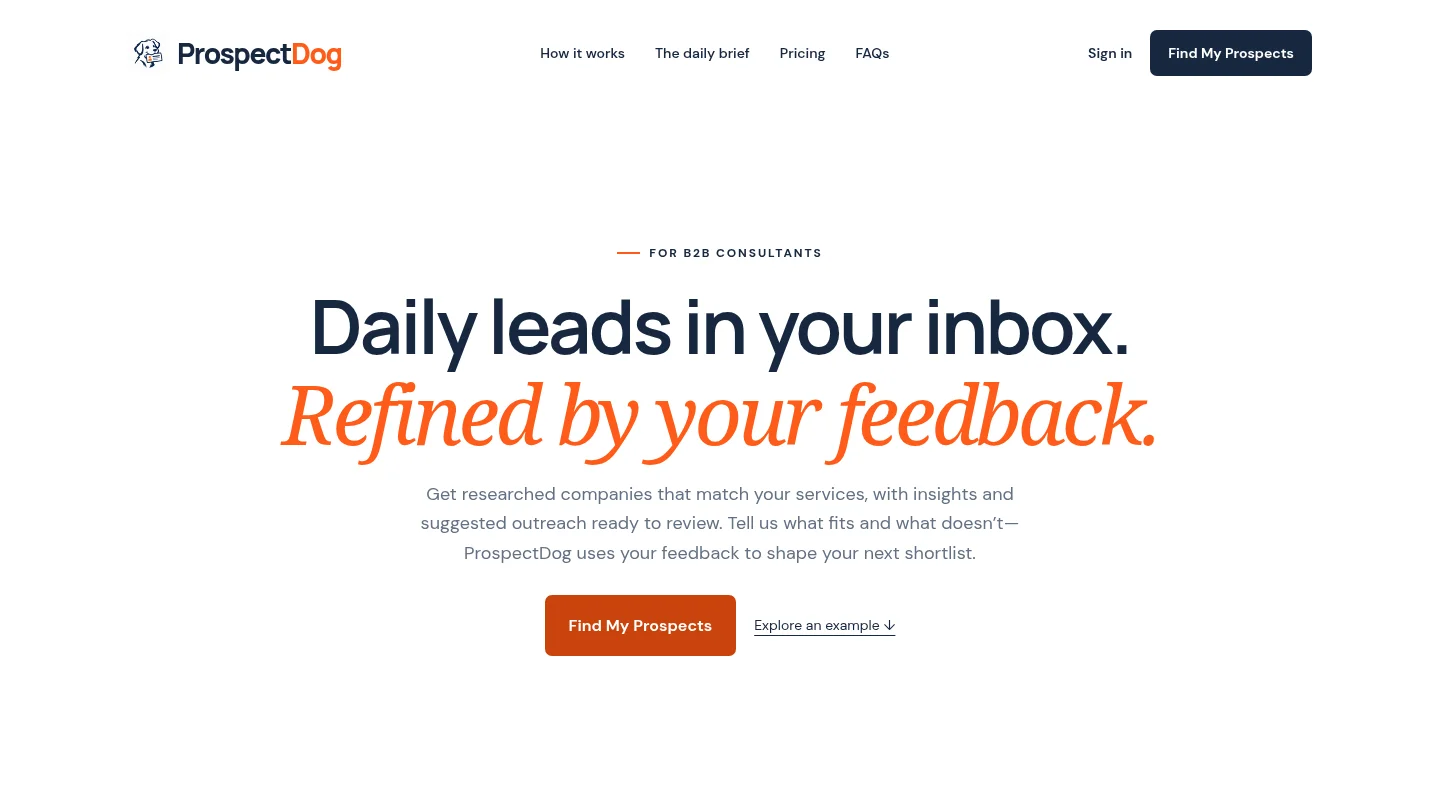
Best for: Operations consultants who want a recurring shortlist based on their service, expertise, ideal client, and market.
Our daily brief researches companies that may fit your offer and explains why they could need your service. Each result includes source information, a potential service-fit reason, a suggested outreach draft, and practical conversation tips. Operations consulting is one of the expertise areas supported, and your feedback about what fits can shape later shortlists. These signals indicate potential relevance, not confirmed buying intent.
Pros:
- Brings company research, evidence, service-fit context, and draft preparation into one daily workflow.
- Lets you guide the research with your consulting profile and feedback on previous results.
- Provides one free researched brief after signup without a card. Starter costs $49 per month for up to 10 requested leads in one daily brief. Pro costs $99 per month for up to 20. Eligible accounts may receive a seven-day trial with a payment method.
Cons:
- You must review the evidence, qualify the company, find or verify the right contact, personalize the draft, and send it yourself. Starter and Pro do not send prospect emails, replies, or follow-ups.
- Daily limits count requested results, so a brief may return fewer relevant companies than the allowance.
2. Doctor Lead
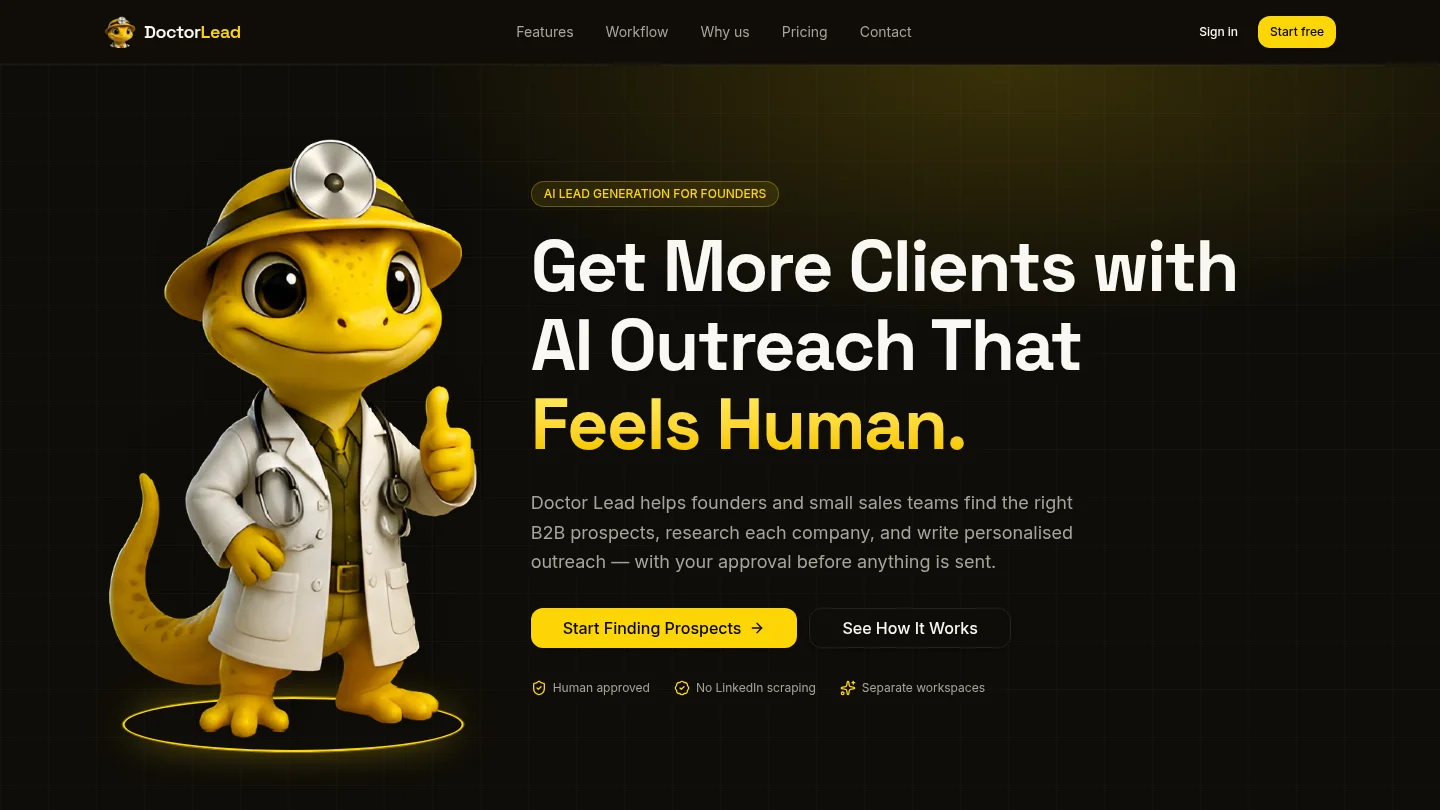
Best for: Consultants who already have prospects or want discovery, research, draft approval, and pipeline tracking in one workflow.
Doctor Lead lets you define an ideal client by factors such as industry, geography, titles, and pain points. It researches prospects, surfaces possible signals, conversation hooks, and objections, then prepares personalized outreach for approval. Its CRM pipeline and reply tracking add structure after the first message. This is a broader prospecting system than a daily brief shaped specifically around a consultant’s service.
Pros:
- Connects prospect research and tailored drafts with human review and pipeline tracking.
- Offers a 14-day trial and monthly prospect allowances across its plans.
Cons:
- Your workflow depends on defining or supplying prospects and campaign criteria, so it may take more setup than a ready-made daily shortlist.
- Operations-specific service matching is not its stated focus. Define your ideal client and test whether its research supports your particular offer.
3. Signado
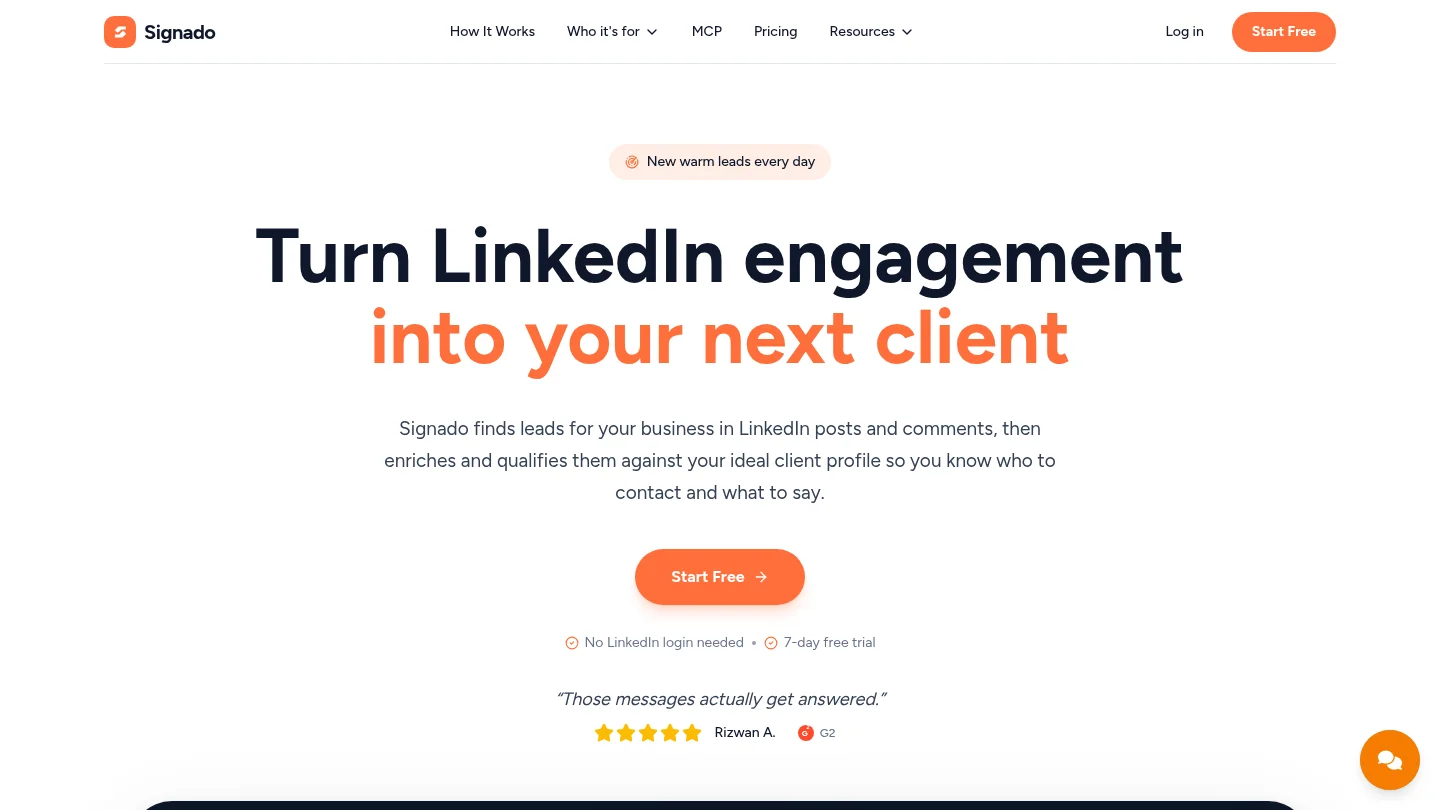
Best for: Consultants whose target companies or decision-makers reveal useful needs through LinkedIn posts, comments, or hiring activity.
Signado finds and assesses leads from LinkedIn sources, including keywords, profiles, comments, and job posts. It retains the original post or job context, then suggests a next action and can draft a message. For an operations consultant, a hiring signal is most useful when the role connects directly to the service you sell. Signado’s stated audience includes go-to-market, digital marketing, and AI services, so operations consultants should check the fit against their own offer.
Pros:
- Preserves the person’s post, comment, or job context, giving you a specific starting point for research.
- Supports scheduled discovery and lets you choose whether to send by email, copy a draft into a LinkedIn message, or route a lead to another tool.
- Plans start at $29 per month, and each plan includes a seven-day trial. A card is required for the trial.
Cons:
- Its value depends on relevant LinkedIn activity or job posts appearing among your sources.
- It is less directly tailored to operations consulting than a workflow built around your stated service and ideal client.
4. LinkedIn Sales Navigator
Best for: Consultants who find prospects through LinkedIn account searches, professional context, and saved-lead alerts.
Sales Navigator supports lead and account searches, with filters that include geography, company headcount, and hiring growth. Alerts on saved leads and accounts can bring relevant changes to your attention. This makes it a useful source for relationship research and timing. It does not replace the work of connecting an account signal to your operations offer, assessing the evidence, and preparing a tailored first message.
Pros:
- Provides search and alert workflows for researching companies and professional contacts on LinkedIn.
- Can fit consultants whose prospects are identifiable through roles, account activity, or professional relationships.
Cons:
- You must turn search results and alerts into service-specific research and outreach yourself.
- It is an account and relationship research option, not a ready-made daily operations-consulting brief.
5. Clay
Best for: Consultants or technical operators who want to design custom research, enrichment, scoring, and personalization workflows.
Clay provides a flexible environment for combining company and contact data with research and enrichment steps. You can use those workflows to structure account context and create tailored messaging fields. That flexibility suits a consultant who has a clear qualification process and wants to build it around specific signals. It is not the same as receiving a prepared daily shortlist, so you should account for the time required to configure and maintain your workflow.
Pros:
- Lets you shape research and enrichment around a specific prospecting process.
- Can support structured scoring and personalization when your criteria are well defined.
Cons:
- Requires more workflow design than a service-specific daily brief.
- You need to decide which sources and criteria are relevant to your operations offer, then review the results.
6. HubSpot Sales Hub
Best for: Consulting firms that want prospecting activity connected to a wider CRM and sales workflow.
HubSpot’s wider platform brings sales activity and customer records together. Its current product information describes a prospecting agent that can identify signals, source contacts, and launch personalized outreach. This breadth can suit a firm that needs prospecting alongside a CRM. It is a broader sales environment, rather than a daily research brief centered on an operations consultant’s service profile.
Pros:
- Combines CRM context with prospecting and outreach capabilities in one broader platform.
- May suit a consulting team that needs shared records and coordinated sales activity beyond initial research.
Cons:
- It is broader than a focused lead-research workflow, so assess whether the added CRM and sales scope matches your needs.
- Confirm how contact verification, message review, and sending controls work for your specific setup.
7. Lemlist
Best for: Consultants with a researched prospect list who need personalization and multichannel campaign execution.
Lemlist combines lead discovery and enrichment with campaign workflows across email and other channels. Its product materials describe research context and personalization features that can inform tailored messages. This makes it more relevant after you have decided which companies deserve attention. If your main difficulty is finding an operations-related reason to contact a company, campaign tools alone will not resolve that research gap.
Pros:
- Connects lead data, personalization, and multichannel campaign execution.
- Can suit a consultant who has a defined prospect list and wants structured follow-up.
Cons:
- Its campaign emphasis makes it less focused on producing a service-matched daily shortlist.
- Set clear review steps so automated sequences do not send messages before you have checked the company context and fit.
What should you check before choosing?
Start with the work that consumes the most time. If you repeatedly search for companies, prioritize company research, source evidence, and service-fit explanations. If you already know which companies to approach, contact discovery, enrichment, or CRM coordination may matter more. Our guide to lead research software for consultants covers the research step in more detail.
Next, check what the tool actually prepares. Does it show the source behind a signal, or only a match score? Can you see why a company might need process improvement, automation, or another specific service you provide? Treat a hiring or expansion event as a reason to investigate, not as proof that a company is ready to buy.
Finally, distinguish preparation from execution. Some products help you research and draft, while others manage CRM records or send sequences. Decide whether you want to retain every decision yourself, use approval steps, or automate selected tasks. For most independent consultants, a short, evidence-based shortlist is more practical than a large volume of poorly qualified contacts.
How should you review outreach before sending?
Read each source, confirm that the signal is current, and check that it connects to a real service you provide. Then identify the right contact and verify the details using an appropriate source. Rewrite any draft that assumes a problem the evidence does not establish. The message should open a relevant conversation, not present an unconfirmed diagnosis as fact.
For email sent to personal Gmail accounts, Google requires SPF or DKIM authentication for all senders. Senders exceeding 5,000 messages per day to Gmail accounts must use SPF, DKIM, and DMARC. Review Google’s sender guidelines before increasing volume.
If you contact people in the United Kingdom, review the ICO’s email marketing guidance before sending. Requirements depend on the recipient and circumstances. A preparation tool does not determine whether a specific message is lawful, so check the rules that apply to your market and outreach method.
Conclusion
The right choice depends on whether your bottleneck is finding companies, interpreting signals, verifying contacts, or managing follow-up. For operations consultants seeking a daily shortlist shaped around their service, research-first outreach preparation software offers the clearest fit. Compare the source evidence, the amount of manual qualification, and whether the tool prepares messages or sends them. Choose the workflow that gives you useful context while keeping your judgment in control.
Build a More Consistent Operations Outreach Routine
Business development is easier to maintain when company research fits into your working routine. Our briefs are designed for B2B consultants, including operations consultants, and give you company context and draft material to review before contacting a prospect.
Receive one free researched brief after signup, without a card. For ongoing research and dashboard access, Starter costs $49 per month for up to 10 requested leads in one daily brief, while Pro costs $99 per month for up to 20. Eligible accounts may receive a seven-day trial with a payment method; subscriptions renew monthly unless canceled before the trial ends. Review each source, qualify the company, verify the contact, and personalize and send your message through your own email account. Get a researched brief for your consulting service.
Frequently Asked Questions
What does outreach preparation software do for an operations consultant?
It helps you identify potential companies, review relevant evidence, connect a company’s situation to your service, and prepare a first message. You remain responsible for deciding whether the prospect is suitable and how to contact them.
Does ProspectDog verify contacts or send prospect emails?
No. Our Starter and Pro plans provide researched companies and draft material, but you must find or verify the right contact, personalize the message, and send it yourself.
Is a LinkedIn signal enough to qualify a prospect?
No. A post, comment, or job listing can suggest a relevant situation, but it does not confirm budget or buying intent. Review the source and decide whether the signal supports a credible reason to start a conversation.
Should I choose research software or a sequencing platform?
Choose research software when finding suitable companies and understanding their situation takes the most time. Choose a sequencing platform when you already have a qualified list and need to organize follow-up.
Can I use a daily brief for every target market?
You can provide your market and ideal client as part of your research profile. Coverage for every country or operations specialty is not established, so check that the workflow fits your target market before relying on it.