


Your choice of a PhantomBuster alternative depends on where work slows down: finding accounts, extracting data, enriching contacts, or drafting a relevant first message. A consultant who needs context for carefully selected companies has a different job from a sales team running LinkedIn and email sequences. For channel-specific LinkedIn workflows, compare our HeyReach alternatives discussion as one related reference.
Before automating, check the data a tool accesses and the actions it performs. LinkedIn’s published policy prohibits third-party tools that scrape its data or automate activity on the site, making platform rules a practical selection criterion. The options below separate research and outreach preparation from tools that also run sequences. ProspectDog identifies potential service fit, not verified contacts or confirmed buying intent.
Which alternative fits your prospecting workflow?
Start with the work you want the software to do. If your priority is researching companies and preparing relevant outreach for your review, ProspectDog is the clearest fit for B2B consultants. Doctor Lead adds prospect management and outreach tracking, while Flynt AI focuses on recruiter-oriented prospecting and automated outreach.
| Option | Research and evidence | Outreach workflow | Published pricing |
|---|---|---|---|
| ProspectDog | Daily company research, potential service fit, and source information | You qualify, verify contacts, personalize drafts, and send | Starter $49 monthly; Pro $99 monthly |
| Doctor Lead | Company research, buying signals, conversation hooks, and objections | Review and approve personalized drafts; track prospects and replies | Lite $49 monthly for 100 prospects |
| Flynt AI | Daily scored leads, company signals, and decision-maker details | Email and LinkedIn campaigns, pipeline, and unified inbox | Starter $99 monthly per agent |
Do not compare lead allowances as if they measure the same thing. ProspectDog counts requested leads in a daily brief, while Doctor Lead lists monthly prospect limits and Flynt AI publishes a daily limit per agent. Check whether each tool’s research evidence, contact workflow, and sending controls match your routine.
ProspectDog
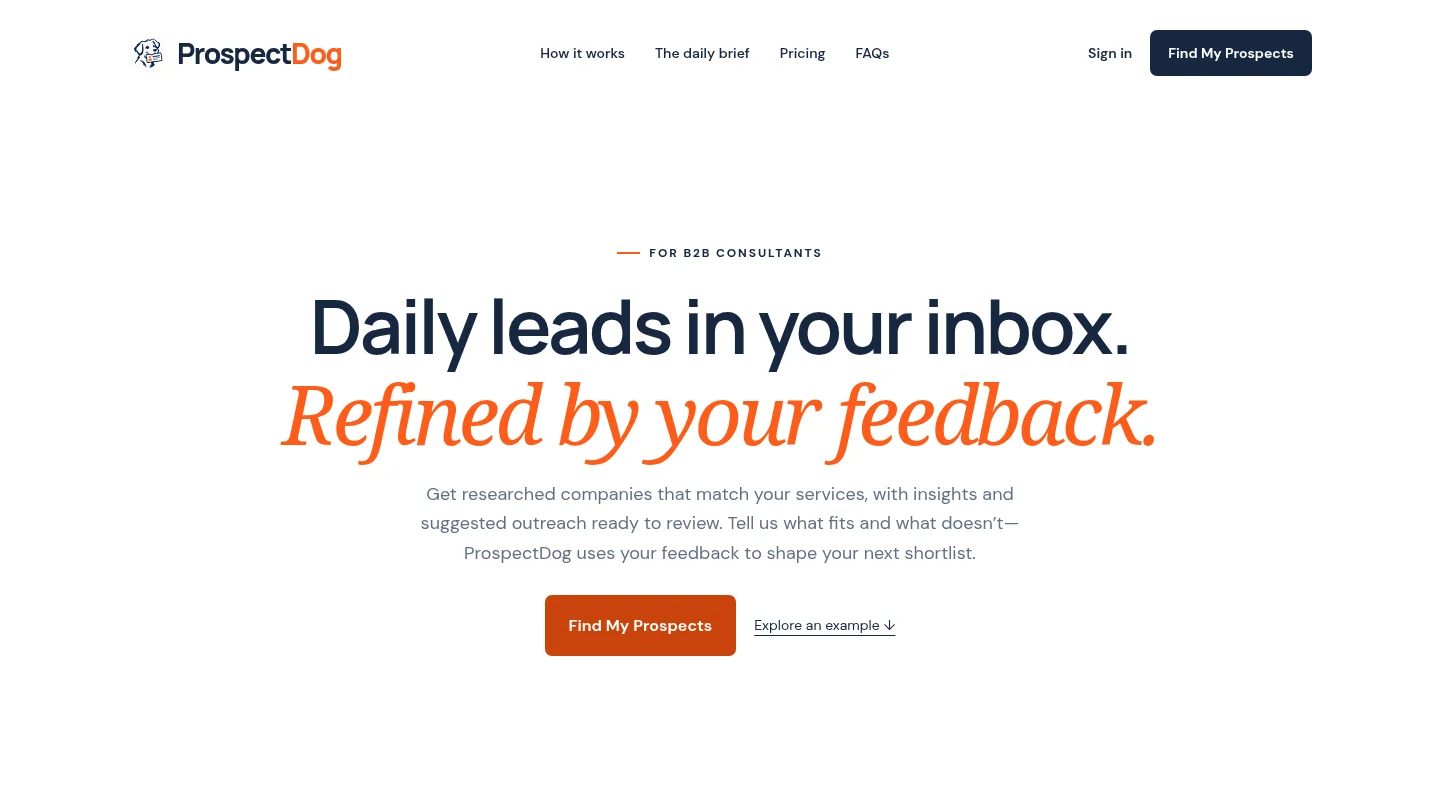
Best for: B2B consultants who want a repeatable way to find companies that may need their services and prepare informed first messages.
Our daily brief brings together researched companies, source information, a reason each company could need your service, and a suggested outreach draft with practical conversation tips. You set your service, expertise, ideal client, and market. Feedback about which prospects fit helps shape later shortlists. This research-first workflow is useful when the important task is choosing whom to contact and why, rather than automating a campaign.
ProspectDog keeps the evidence visible so you can judge whether a company is relevant before spending time on outreach. A hiring or expansion signal suggests a possible need, not confirmed buying intent. The brief also does not verify contact details: you find or check the right contact, personalize the draft, and send it through your own email account.
Pros
- Daily company research connects potential service fit with source information and a suggested message.
- One researched brief is available after signup without a card, so you can evaluate the format before choosing ongoing access.
- Starter provides up to 10 requested leads per daily brief for $49 monthly; Pro provides up to 20 for $99 monthly.
Cons
- It is not a hands-off outbound platform. You qualify prospects, find or verify contacts, personalize messages, and send them yourself.
Doctor Lead
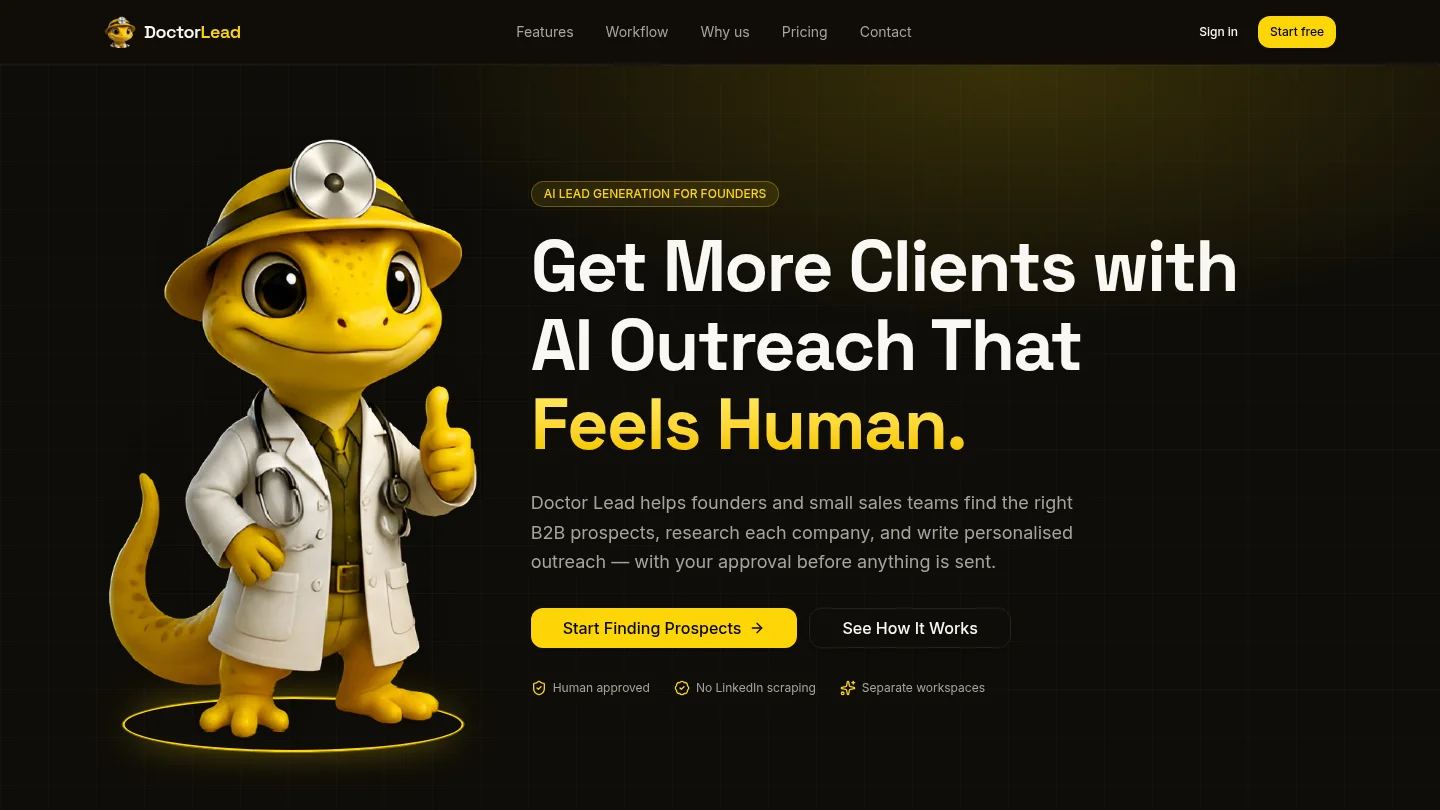
Best for: Founders and small sales teams seeking researched prospects, personalized drafts, and a place to track campaign activity.
Doctor Lead lets users define an ideal client, discover and filter prospects, and review company research, buying signals, conversation hooks, and potential objections. Its workflow includes outreach drafts for approval, a visual CRM pipeline, and reply tracking. That combination suits teams that want human approval alongside more campaign organization than a research brief alone.
The published plans use monthly prospect limits, with campaign and workspace allowances that differ by tier. The free trial includes 25 prospects per month, one campaign, and one workspace. The Lite plan is $49 monthly for 100 prospects, one campaign, and one workspace. Higher plans list larger allowances.
Pros
- Company research and personalized drafts are paired with approval, pipeline tracking, and reply tracking.
- A 14-day trial is listed, and the Lite plan offers a clear monthly prospect allowance.
Cons
- The listed prospect, campaign, and workspace limits mean teams with higher volume or multiple projects need to check the higher tiers.
Flynt AI
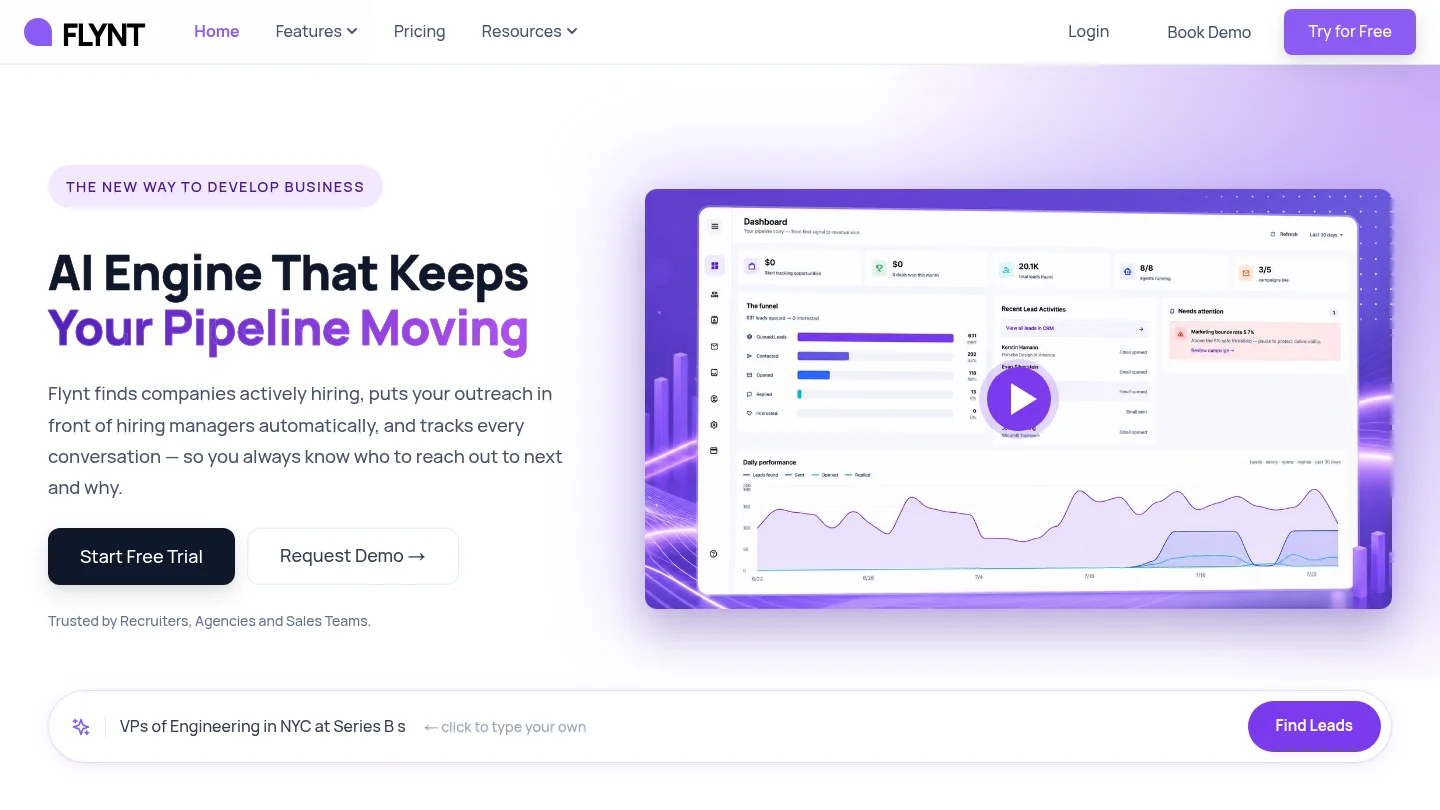
Best for: Recruiters who want hiring and company signals connected to prospect research and outreach execution.
Flynt AI describes a workflow built around companies hiring, raising funding, or completing acquisitions. It scores and researches leads, provides decision-maker details and personalization hooks, and connects email and LinkedIn steps to campaigns. Its pipeline and unified inbox bring campaign activity and replies into one workflow. The published Starter plan is $99 monthly per agent and lists up to 30 researched leads daily.
Compared with a research brief that leaves sending to you, Flynt AI is oriented toward a more automated multichannel sequence. Its company signals and examples are recruiter-centered, including matching hiring activity to a candidate profile. Consultants outside recruiting should confirm that the available signals fit the service and market they target.
Pros
- Research, lead scoring, decision-maker details, and outreach hooks are connected to campaign and pipeline tools.
- Email and LinkedIn outreach can be managed within the same workflow.
- The published Starter plan specifies a daily lead allowance and a per-agent monthly price.
Cons
- Its recruiter-focused signals and examples may be less aligned with consultants whose prospecting is unrelated to hiring or candidate placement.
How should you compare PhantomBuster competitors?
Which step consumes the most time in your current process? Separate company discovery from data extraction, enrichment, message preparation, and sending. A platform with many automations may still be a poor fit if you mainly need relevant companies and a defensible reason to contact them.
Next, map each tool to the data and channels you actually use. If your workflow depends on LinkedIn, review platform rules before adopting automated extraction or activity. If you need an email prospecting stack, our Instantly AI alternatives page covers a different part of the workflow. For a research-led process, see our outreach preparation software options.
Then inspect how personalization is created. A message based on a current company event or a relevant service need gives you something concrete to assess; inserting a name into a generic template does not establish that the pitch fits. HubSpot’s sales personalization research discusses using relevant data and buyer priorities when applying AI to prospecting.
Finally, check the human review steps and the responsibilities that remain with you. For US commercial email, the FTC says CAN-SPAM also applies to business-to-business messages. Its CAN-SPAM compliance guide covers sender responsibilities, including accurate message information and opt-out requirements. Choose a tool that makes it clear who reviews prospects, verifies contacts, and manages sending.
Conclusion
The best prospecting automation software is the one that fits the step you need to improve. Choose a research and preparation workflow when relevance and source review matter most; choose a campaign platform when coordinated outreach is the priority. Compare data sources, daily or monthly limits, channel coverage, and how much control stays with you before switching.
Prepare Your Next Prospecting Brief
When your main challenge is finding companies that may need your consulting service, start with research and evidence rather than adding more automated steps. Our daily brief is designed to give you a shortlist, the potential reason to reach out, source information, and a draft to review.
You can receive one free researched brief after signup without a card. For ongoing access, Starter is $49 monthly for up to 10 requested leads in one daily brief, and Pro is $99 monthly for up to 20. Eligible accounts may start a seven-day trial with a payment method; subscriptions renew monthly unless canceled before the trial ends. Try our B2B prospect research service and review each lead before you contact it.
Frequently Asked Questions
Is ProspectDog a direct replacement for PhantomBuster?
Not for every use case. ProspectDog focuses on researching companies and preparing outreach for your review, while PhantomBuster is associated with configurable automation workflows.
Which option suits recruiting prospecting?
Flynt AI is the most recruiter-focused option in this comparison, with hiring signals and candidate-related prospecting workflows. Check that its signals match your recruiting market and outreach process.
Which option combines research with prospect tracking?
Doctor Lead pairs company research and outreach drafts with a visual pipeline and reply tracking. Flynt AI also combines researched leads with campaign and pipeline tools.
Do you need automated message sending?
Only if sending automation is part of the task you want to delegate. A research and preparation service can be a better fit when you prefer to qualify contacts, personalize each message, and send it yourself.
What should you check before automating LinkedIn activity?
Review the platform’s current rules, the specific actions the tool performs, and whether the workflow uses supported access methods. Also confirm what data you retain and which steps require your review.